Selling a product with a deposit
- For
- Cashier
- Where
- Web register
- Permission
- Sell at the register
- Checked on
A deposit is an amount added to the sale of a product, for example the deposit on the bottles of a case of drinks. At the register, you have nothing more to do: the deposit comes along with the item.
Before you start
- Your role must allow selling (permission Sell at the register).
- The product must have a deposit. A manager creates it in Catalog > Deposits, then chooses it on the product record (Deposit section), or links it to a category.

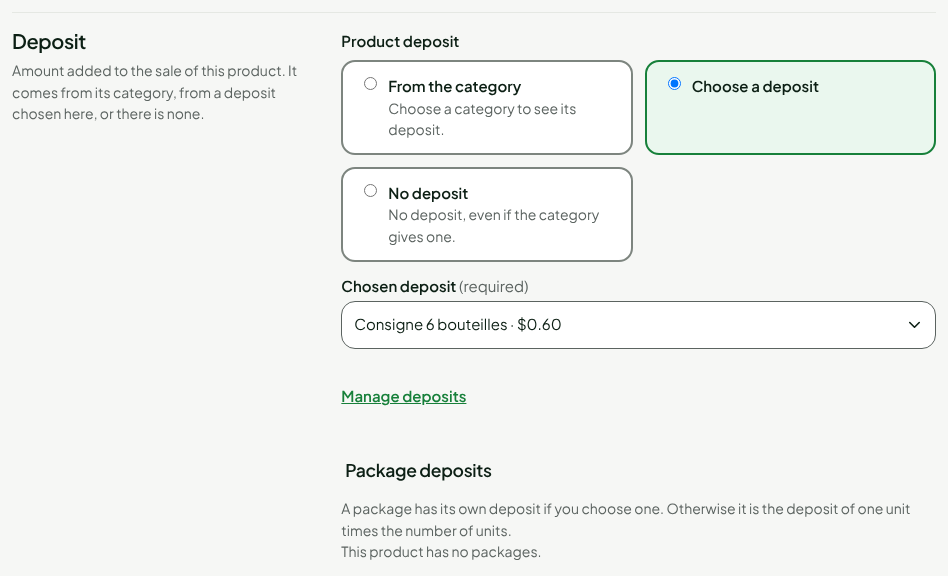
Selling an item with a deposit
To sell an item that has a deposit:
Open Sell > Sell.
Scan the item, or look it up in Search products and click it in the list.
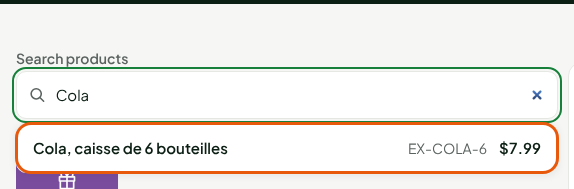
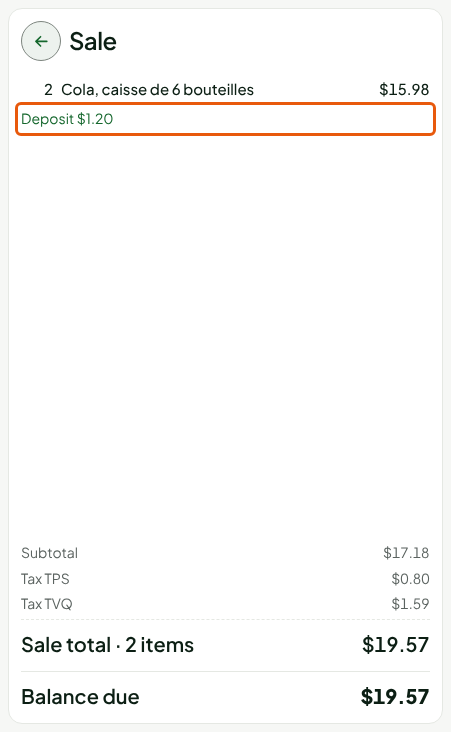
The item goes into the cart. Under its price, a Deposit line gives the amount of the deposit. It has no button of its own: it follows its item.
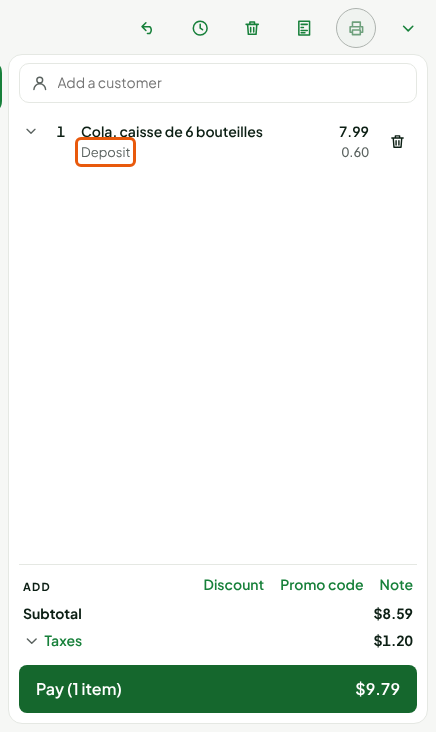
The Subtotal and the total to pay count the item's price and its deposit.
Selling several units
The deposit follows the quantity. To sell two cases:
- Click the item's line to expand it.
- In Quantity, type
2, then press Enter.
The deposit goes to $1.20: twice $0.60.
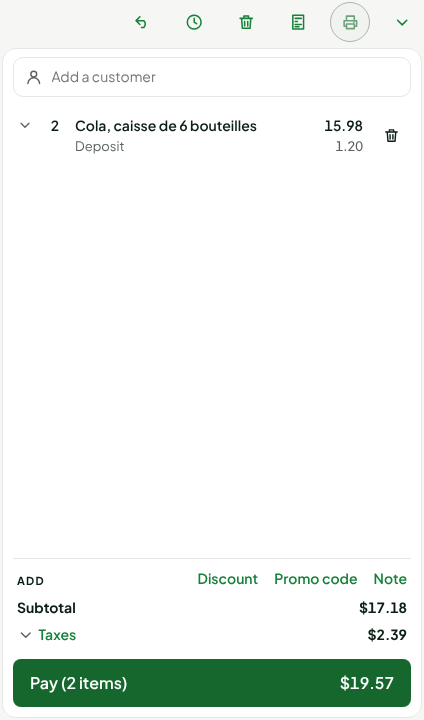
Removing the item from the cart, with the trash can on its line, removes its deposit too.
Checking before you pay
Click Pay; if the Warning: no customer on the sale window opens, click Continue without a customer. On the Pay screen, the deposit appears in the summary of the Sale, on its own line, with the taxes and the total. It is also on the receipt.
To take payment, see Making a sale.
Troubleshooting
The Deposit line does not appear
The product has no deposit: its record is set to No deposit, or the product's category does not give one. Ask a manager to check the Deposit section of the product record. The deposit is not typed at the register.