Viewing a product's history
- For
- Manager
- Where
- Back office
- Permission
- Manage the catalogue
- Checked on
Every product keeps a log of its changes: who changed what, and when, most recent first. You read it when a price, a name or a status has changed and you want to know how. The log is append-only: nothing in it is edited or erased.
Before you start
- Your role must have the Manage the catalogue permission.
- Changes to the Purchase cost appear only if your role also has View purchase costs.
Show a product's history
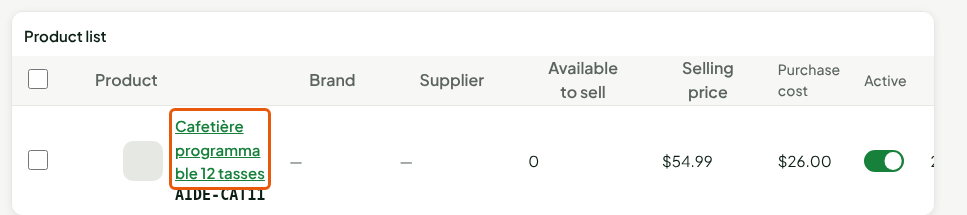
Open Catalog > Products, then search for the product and click its name.
Scroll all the way down the sheet to the Change history section, then click Show history. Nothing is read until you ask, and the sheet does not depend on it.

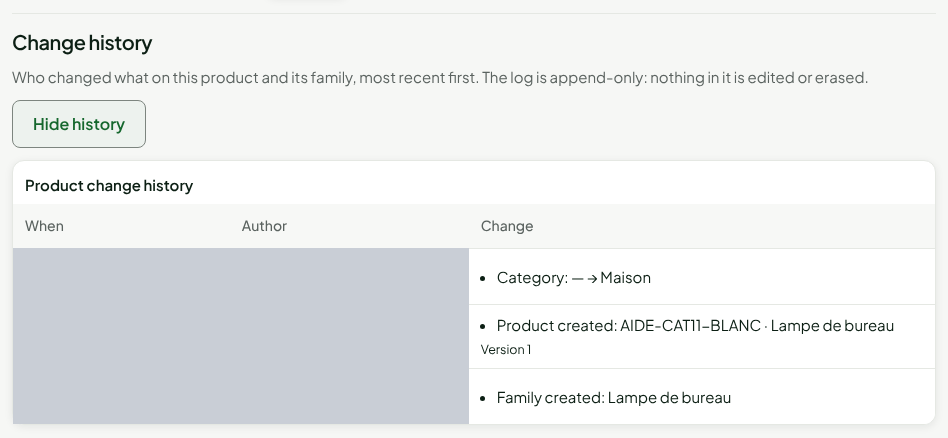
The Product change history table appears. To close it, click Hide history.
Read the table
One row per save, the most recent at the top.
| Column | Content |
|---|---|
| When | The date and time of the save. |
| Author | The person who made the change, by name; Deleted account if their access no longer exists. The log keeps neither an email nor a name: the name is read when you open the history. |
| Change | What changed, one line per field: Default price: $49.99 → $54.99. Below it, the product's Version number after the save. |
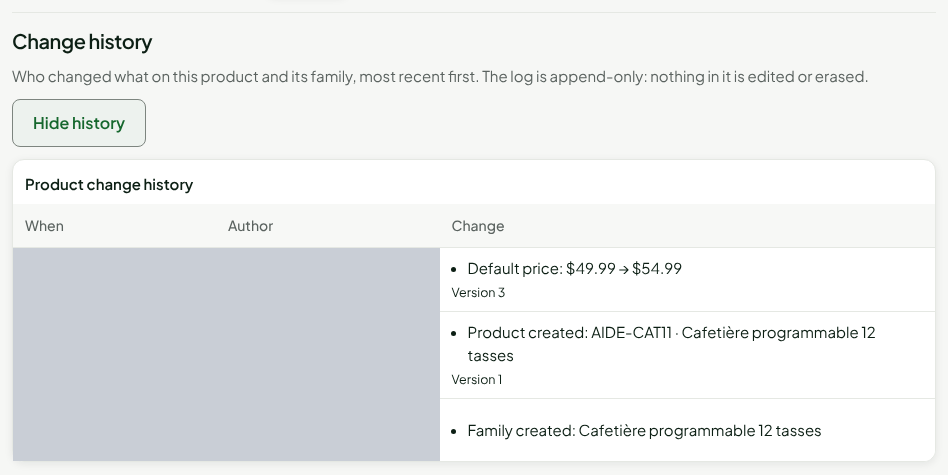
The creation of the family and that of the product are the two bottom rows. The log also keeps changes to the name, the item code, the tax class, the prices, the codes, the components, the category, the brand, the description and the stores where the product is removed or put back on sale. A log of more than 50 rows is read in pages: click Show older changes.
See a new save added
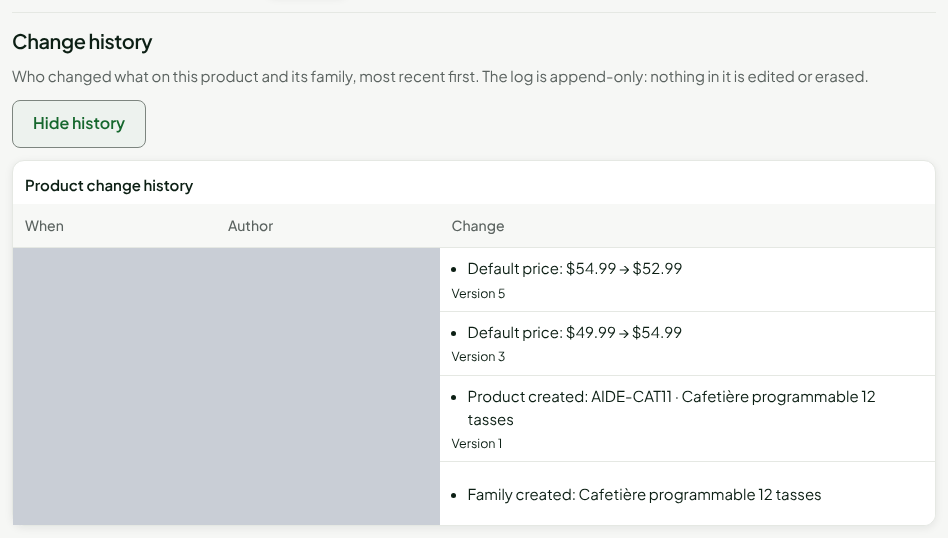
Every save from the sheet adds a row, without erasing the others. If the history is open while you save, it reads itself again.
Find who deactivated a product
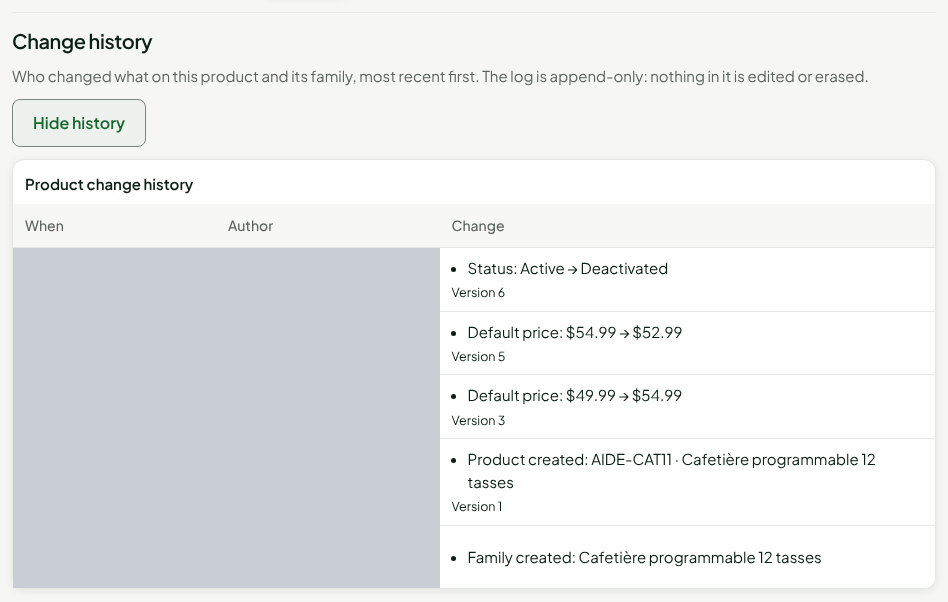
Deactivating a product is a change like any other: it is written to the log, with the line Status: Active → Deactivated. Open the deactivated product's sheet, then show the history.
The history of a variant
A variant's log also shows the changes of its family: the category, the brand, the tags and the description are shared by all variants.
Troubleshooting
“The history could not be read.”
The read failed, with no effect on the sheet. Click Try again, when the button is offered.
“No change recorded for this product.”
No change is written to this product's log.