Cash movements
- For
- Manager
- Where
- Back office
- Permission
- View reports, All sales at assigned stores
- Checked on
The "Cash movements" report totals, by type, the cash going into and out of the cash drawers over a period. Use it to follow opening floats, the cash added or removed during a session, and the rounding of cash payments.
Before you start
Your role needs two permissions: View reports and All sales at assigned stores.
A register's cash log is append-only: a movement is never changed or erased. A mistake is fixed by a new movement, which this report counts in turn.
Showing the report
To see the cash movements of a period:
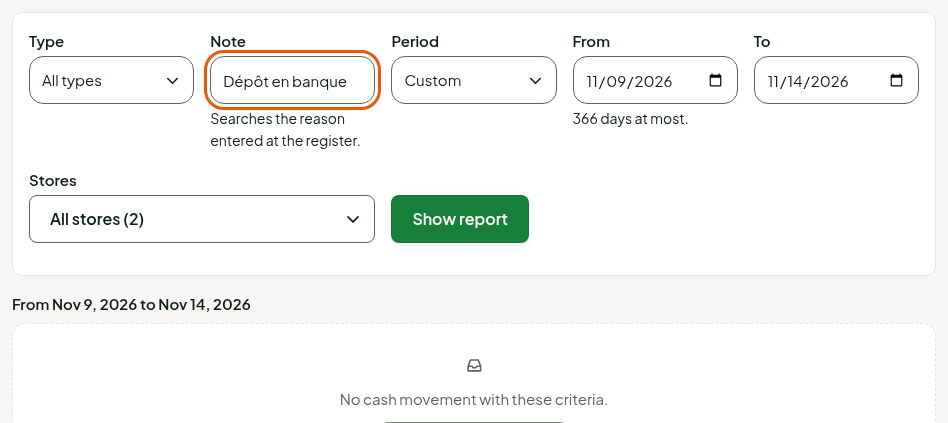
Open Reports > Cash movements.
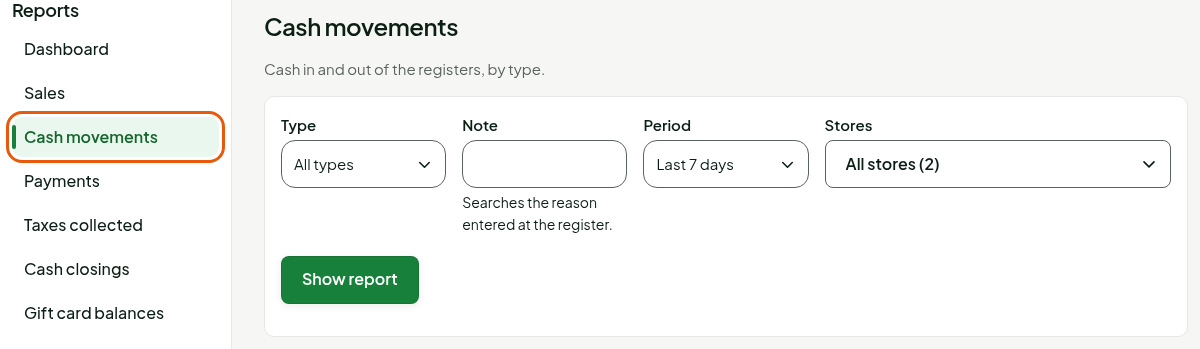
Under Period, choose a period. With Custom, enter the From and To dates.
Under Stores, keep All stores or choose a store (guide "Choosing the period and the stores of a report").
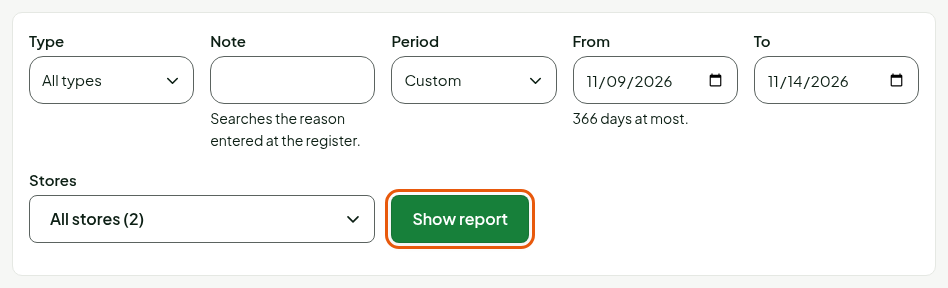
Click Show report.
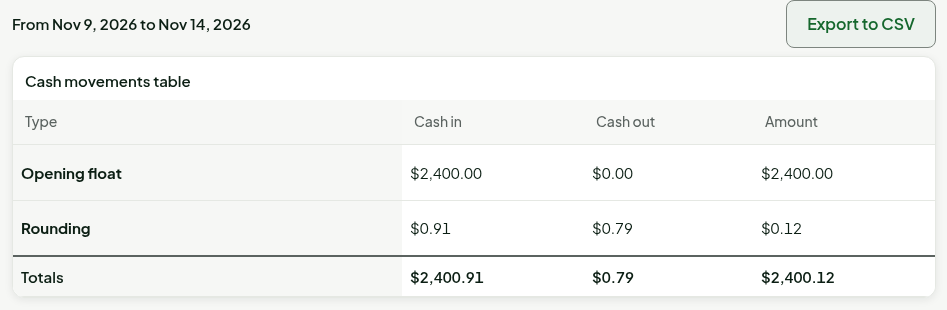
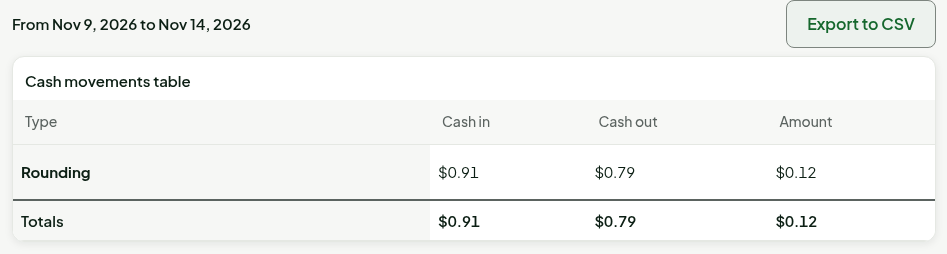
The report opens on the last 7 days. The table has one row per type of movement, then a Totals row.
Keeping a single type of movement
To see only one type:
In Type, choose Opening float, Cash in, Cash out, Rounding, Cash handed to customer or Correction. All types shows them all.
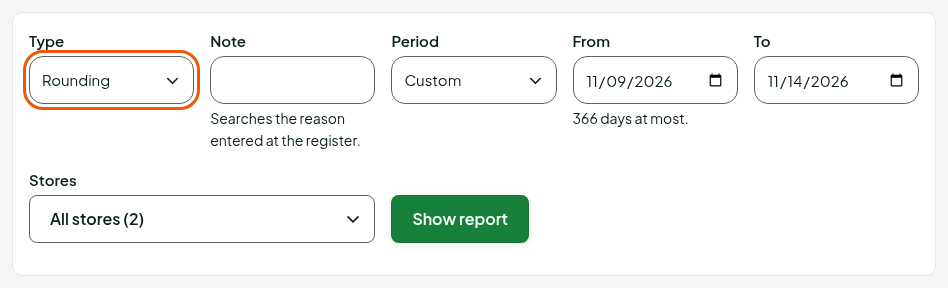
Click Show report.
Searching the reason
A cash in or cash out carries the reason entered at the register. To find a movement by its reason:
- In Note, type a word or part of the reason.
- Click Show report.
The search ignores capital letters and accents. It only finds movements that have a reason: an opening float and a rounding have none.
Understanding the columns
| Column | What it shows |
|---|---|
| Type | The nature of the movement: Opening float (the cash counted when the register opens), Cash in and Cash out (cash added to or removed from the drawer during the session), Rounding (the rounding of cash payments), Cash handed to customer and Correction. |
| Cash in | The total of the movements that add cash to the drawer. |
| Cash out | The total of the movements that remove it, written as a positive number. |
| Amount | Cash in minus cash out. A negative amount means more cash went out than came in. |
Each movement counts on the day the register recorded it, by the store's time. The Totals row is the sum of the rows.
The Rounding row of this report counts every rounding movement of the registers, on the day the register recorded it, including the rounding of a return. The Cash rounding row of the Payments report only counts the rounding of sales, on the day of the sale. The two amounts can therefore differ.
Troubleshooting
"No cash movement with these criteria."
No movement matches the period, the type or the note you chose. Click Change the criteria, widen the period, choose All types or empty the Note field.