Promotions and offline register time
- For
- Manager, Administrator
- Where
- Back office, Installed register
- Permission
- Manage promotions, View reports
- Checked on
The installed register always sells, even without a network. But a promotion depends on the date and time, and a register that could not confirm its time cannot know whether a promotion is still valid. This guide says, for each kind of promotion, what the store sees.
Before you start
- To create a promotion, your role must have the Manage promotions permission (code
promotion_manage). To find the flagged sales, it also needs View reports (codereport_view).
When the time is not verified
An installed register's time is not verified when it could not confirm it with the server, after a restart without a network for example. The top of the register screen says so: "Time not verified: dated promotions suspended". As soon as the register has reached the server, its time is verified again and the promotions resume.

The web register only sells with the server: its promotions apply as usual.
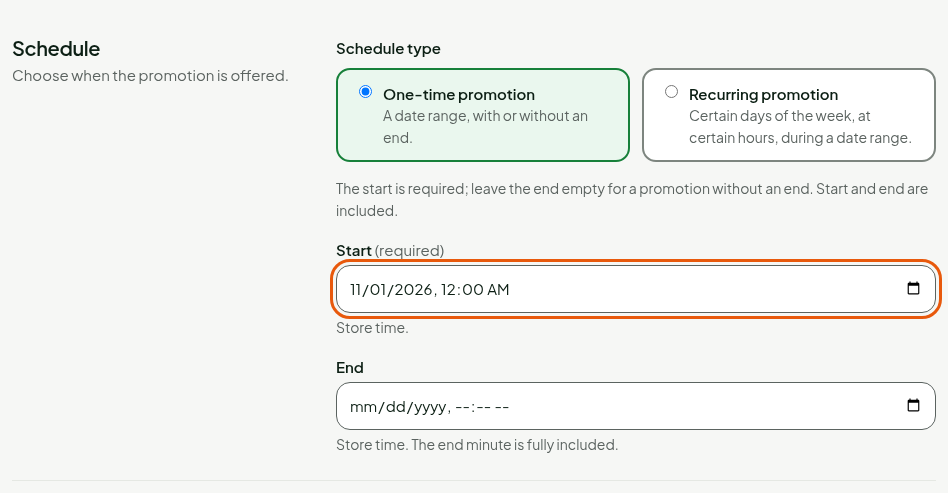
What each promotion does
| Promotion | Time verified | Time not verified |
|---|---|---|
| With an end date | Applies from its start to its end, end included. | Regular price, sale flagged. |
| Recurring (days and hours) | Applies within its time slots. | Regular price, sale flagged. |
| No end date, already started | Applies. | Applies, if its start is not later than the register's last reliable time. Otherwise regular price, sale flagged. |
| With a promo code that has an end date | Applies with the code. | The code is refused: regular price. |
The regular price only applies to the suspended promotion: the other promotions of the sale still apply. A promotion with no end that applies anyway does not flag the sale.
What the cashier sees
When a promotion is suspended, the register's cart shows "Time not verified: regular price." If a customer presents a code or a coupon, the register answers "Register time not verified" and says what does not apply: a code with an end date, a promotion with time slots or a coupon. The sale is made at the regular price; nothing else is refused.
What a manager does
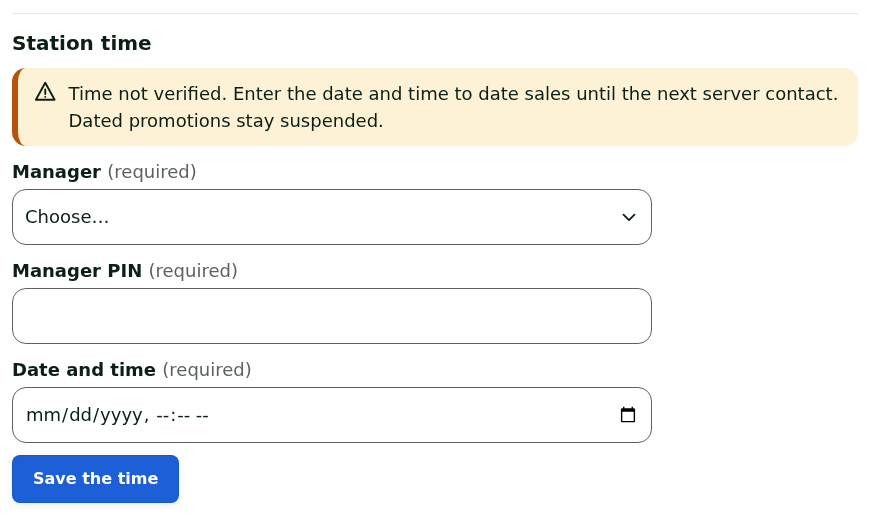
A manager can enter the date and time at the register, in the Station time panel. This time is used to date the sales until the next contact with the server. It never turns a promotion back on: dated promotions stay suspended.
Find the flagged sales
Open Sales > All sales and click More filters.
Choose Time not verified in Flag, then run the search.
The list shows the sales made while the time was not verified. A sale already paid does not change: a financial fact is corrected by an addition, never by a rewrite.
Create a promotion that holds offline
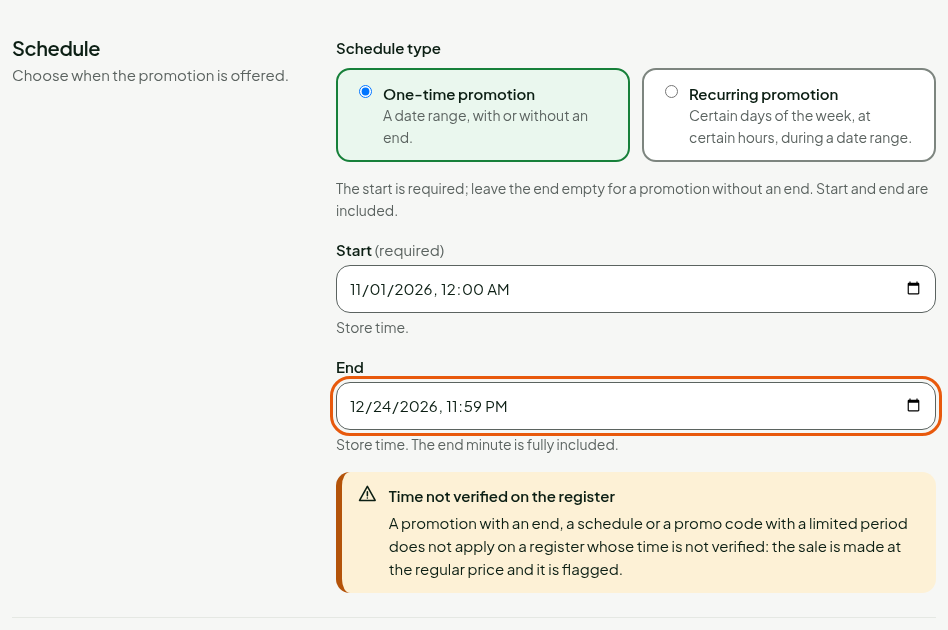
A warning, "Time not verified on the register", appears in the Schedule section as soon as you fill End or choose Recurring promotion. With no end date, there is no warning: a promotion that has already started stays applied.
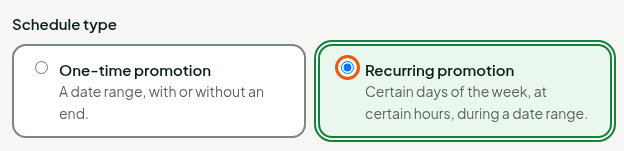
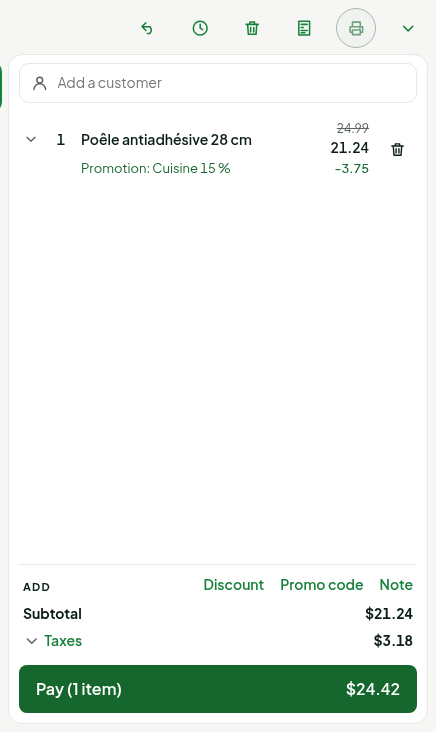

For a promotion to apply even on a register whose time is not verified, create it with no end date, then use End early… when it must finish (Creating a promotion). An offline register keeps it until its next synchronization.
Dated price lists follow the same rule: a list with an end does not apply on a register whose time is not verified (Creating a price list).
Troubleshooting
The promotion applies at the web register but not at the installed register
Check the installed register's header. If it says "Time not verified: dated promotions suspended", restore the network: the promotion resumes as soon as the register has reached the server.