Deactivating or deleting products
- For
- Manager
- Where
- Back office
- Permission
- Manage the catalogue
- Checked on
To take a product off the registers, you deactivate it. A product is never deleted: a past sale may cite it, and its history stays readable. This guide deactivates a product, finds it among the inactive products and reactivates it.
Before you start
- Your role must have the Manage the catalogue permission.
There is no Delete button. A deactivated product is no longer sold at the registers, but it stays in the catalogue. Its item code and its barcodes are released: another product can take them.
Deactivate a product from the list
Open Catalog > Products.
Type the item code or the name in Search products, then press the Enter key.
Click the switch in the Active column, on the product's row.

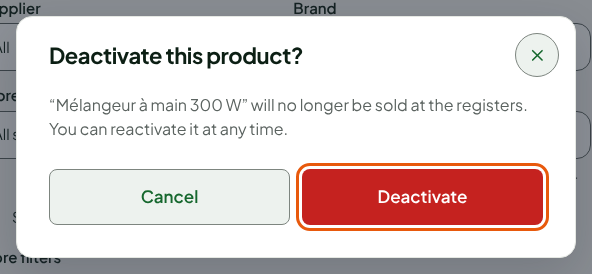
Click Deactivate, in the Deactivate this product? window. The window reminds you that the product will no longer be sold at the registers and that you can reactivate it at any time.
The screen shows: “Mélangeur à main 300 W” is deactivated. Since the list shows only active products by default, the row disappears.

Find a deactivated product
Choose Inactive in Status, among the list filters.
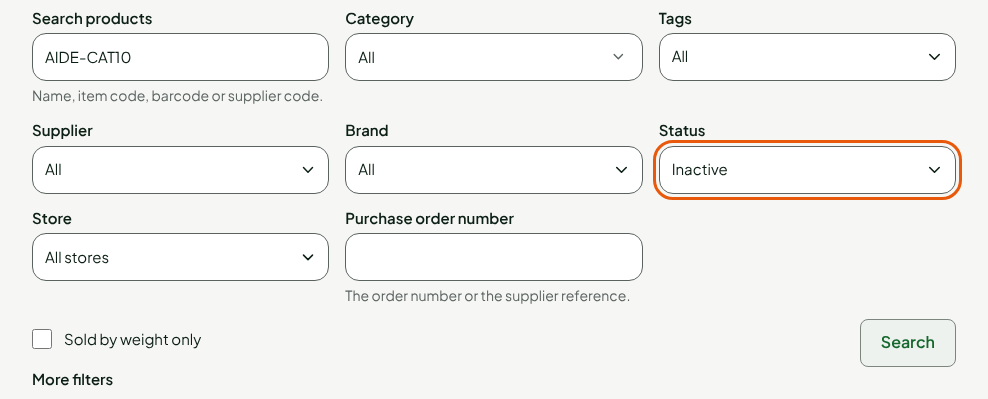
Click Search.
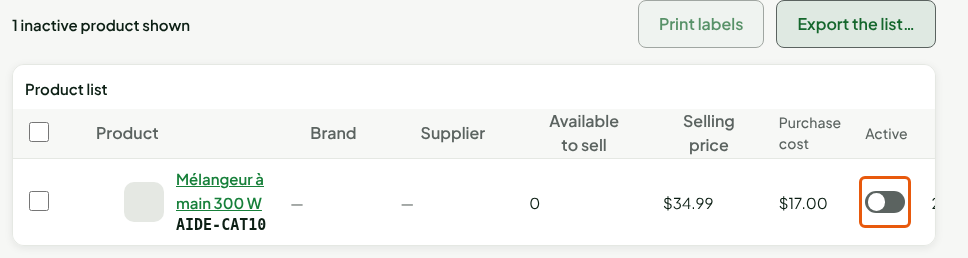
The list announces “1 inactive product shown” and shows the product, its switch off. All, in Status, shows active and inactive products together.
Reactivate a product
Click the switch in the Active column, on the inactive product's row.
Click Reactivate, in the Reactivate this product? window.
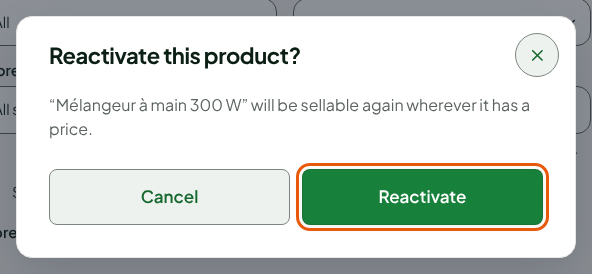
The screen shows: “Mélangeur à main 300 W” is reactivated. The product is sellable again in every store where it has a price.

The product takes back its item code if it is free, and its barcodes one by one. A code that someone else took in the meantime is replaced by an internal code, until the other product releases it.
Deactivate a product from its sheet
You can also deactivate a product while you edit its sheet.
Open the product's sheet: see Editing products.
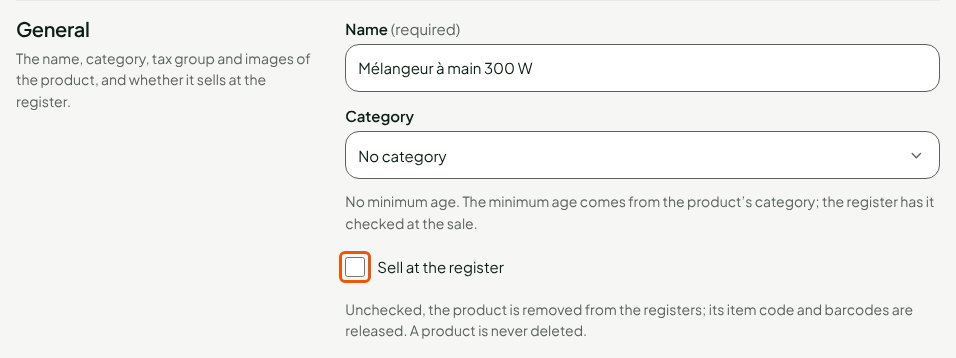
Uncheck Sell at the register, in the General section.
Click Save, in the bar at the top of the sheet.
The sheet shows “Product deactivated: it is removed from the registers; its item code and codes are released.”, and its Status becomes Deactivated. To reactivate the product from its sheet, check Sell at the register again and save: the sheet shows “Product reactivated.”

Troubleshooting
“This item code is already carried by another active product.”
You are reactivating a product whose item code now belongs to another active product. The screen shows “The state change was not saved :” followed by this message, and nothing is changed.

Deactivate the other product, or give one of the two another item code, then reactivate.
The product has changed since it was read
Someone else changed the product while the list was open. Nothing is overwritten: the list is read again, check the product's state, then start over.