Understanding the loyalty program
- For
- Manager, Administrator
- Where
- Back office, Web register
- Permission
- No permission required
- Checked on
Every sale made to a customer who has a record earns them points. They then exchange the points for a discount on a later sale. This guide explains the rules, with a worked example from start to finish.
The program in two numbers
The business sets two numbers, once for all its stores:
- the Earn rate: the points earned per dollar spent;
- the Value of a point: what a point is worth as a discount, in cents.
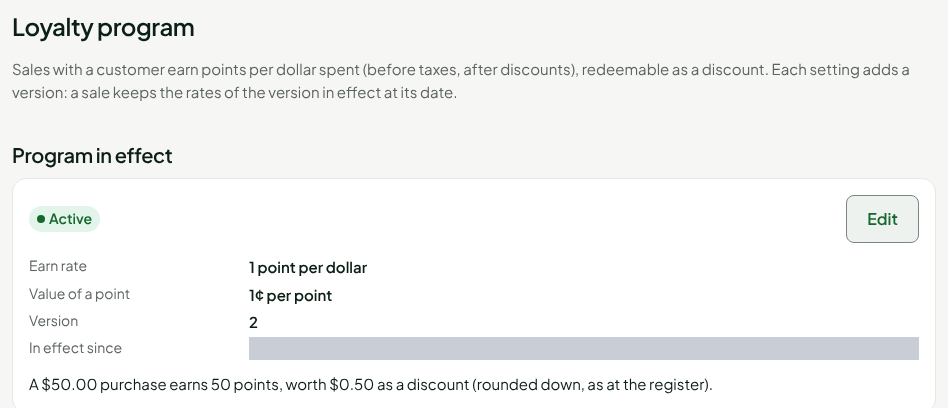
Here, 1 point per dollar and 1¢ per point: 100 points are worth a $1 discount. To change them, see Setting up the loyalty program. Until the program has been set for the first time, or while it is inactive, no sale earns points.
Earn points
A sale earns points when a customer is on the sale before payment (see Awarding points to a customer). The calculation:
- it starts from the amount of the items before taxes, after discounts;
- a deposit and a gift card sold do not count;
- the part of the sale paid with points earns nothing;
- the result is rounded down, once for the whole sale, never line by line.
Example: items of $22.47 before taxes, at 1 point per dollar, earn 22 points. If the customer pays $5.00 of the sale with points, $17.47 remains: 17 points.
Redeem points
At the web register, the cashier applies points to the sale: they become a discount, at the value of a point (see Earning and redeeming points at the register).
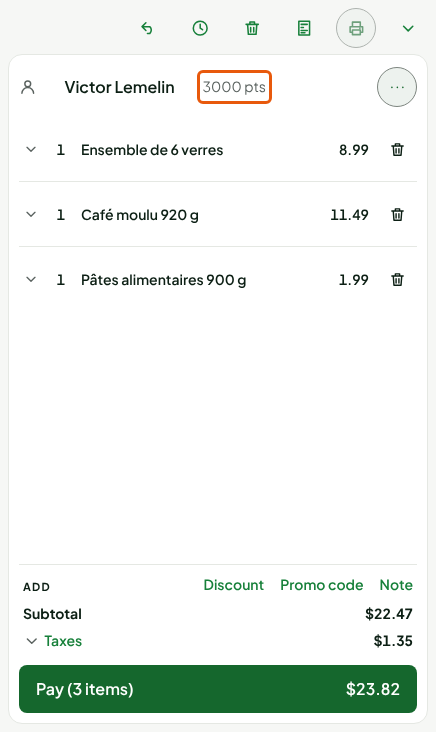
- The value of a redemption is rounded down to the cent.
- A sale cannot be discounted down to zero: at least 1 cent always remains to pay.
- A customer cannot redeem more points than they have available.
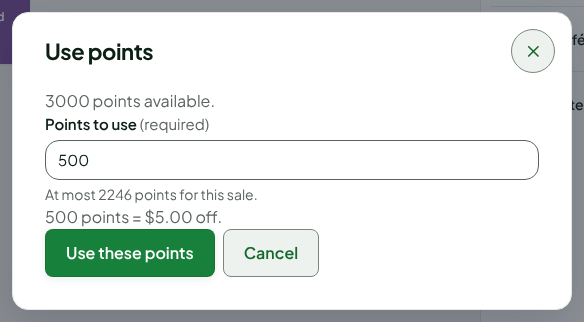
The discount shows in the cart, under the subtotal, on the Loyalty points line.
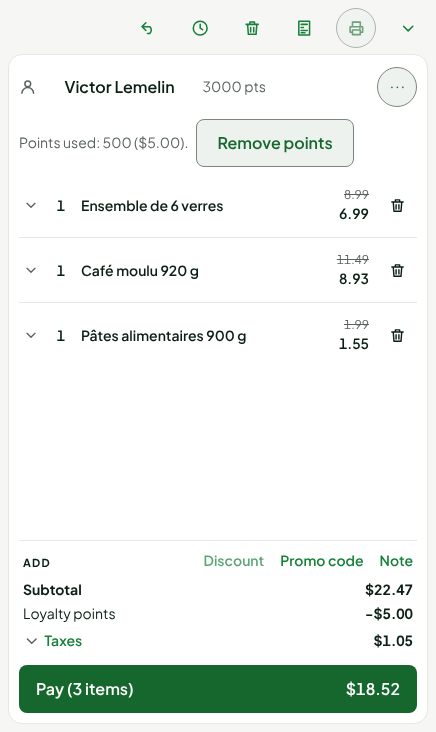
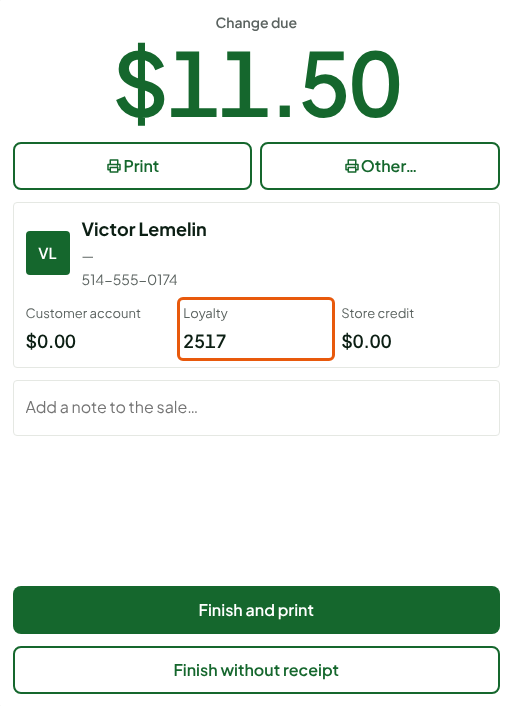
At the end of the sale, the customer's card shows their new balance: 3,000 points, minus 500 redeemed, plus 17 earned, so 2,517.
Redeeming points needs the server: it cannot be done offline. Earning points does not: a sale made offline at the installed register earns its points when it reaches the server.
When a sale is returned or voided
- Return: the points earned on the returned items are taken back, in proportion to what is returned. If every item is returned, every point earned is taken back.
- Void: the points spent in the sale are given back to the customer, then the points it had earned are taken back.
- A takeback stops at zero: a customer's balance never goes negative, even if they have already spent the points to be taken back.
What stays written
Every point earned, spent, taken back or corrected is a movement on the customer's account. A movement is never changed and never deleted: a mistake is fixed by an opposite movement.
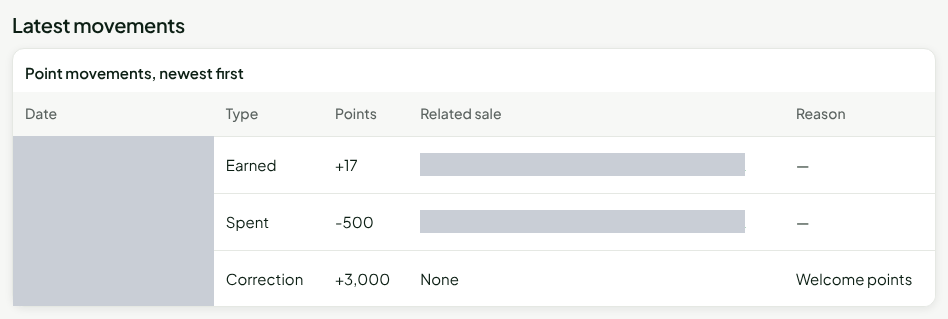
To read an account, see Viewing a customer's loyalty account. To add or remove points, see Adjusting a customer's points balance. Changing the program erases nothing: it adds a version, and a sale keeps the earn rate of the version in effect on its date.
Points expire
A customer's points expire after 2 years without a purchase, with a 30-day email notice when the receipt email on their record is known: see Understanding how points expire.
Who can do what
| Action | Permission |
|---|---|
| Sell to a customer and redeem their points | Sell at the register and Manage customers |
| Read the loyalty account | Manage customers |
| Set the program | Configure the loyalty program |
| Correct a balance | Manage customers and Configure the loyalty program |