Handling a locked session or a station to register again
- For
- Cashier, Manager
- Where
- Installed register
- Permission
- Manage register PINs
- Checked on
A locked session, a blocked PIN or a station to register again lose nothing: the sales made stay on the station. The first two are solved at the counter, with a PIN; the third needs an administrator.
What you see
- Marc’s session is locked (for example): the session locked after 10 minutes without activity, or someone clicked Lock.
- Wrong PIN. 4 more tries before the PIN is blocked on this station., then, after 5 wrong PINs in a row, Marc’s PIN is blocked.
- Station to register again: the station can no longer get the server to recognize it. The message on the screen gives the reason.
What to do
Reopening a locked session
A session locks by itself after 10 minutes without activity. To lock it yourself when you leave the register, click Lock in the session menu.
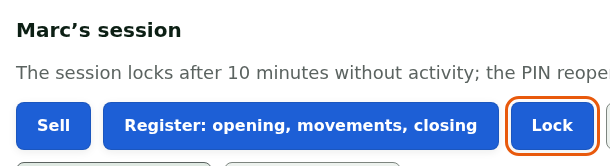
To reopen it:
Click your name under Who is taking the station?.
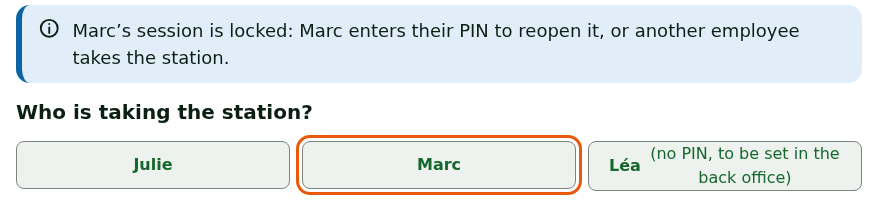
Type your PIN, then click Open the session.
Your session resumes where it was. If another employee types their PIN instead, your session closes and theirs opens.
Having a PIN unblocked
Each wrong PIN is counted. The register shows the number of tries left.
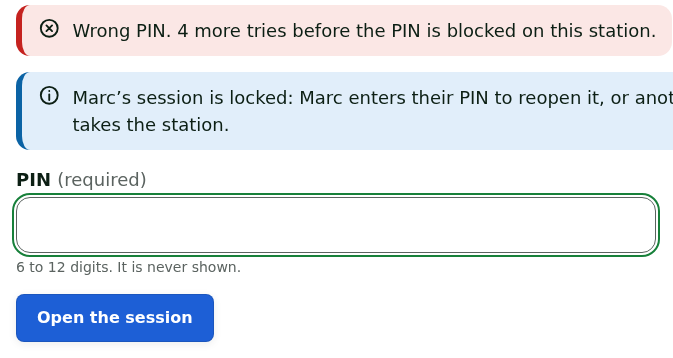
After 5 wrong PINs in a row, the employee's PIN is blocked on this station, with no time limit: only a manager unblocks it.
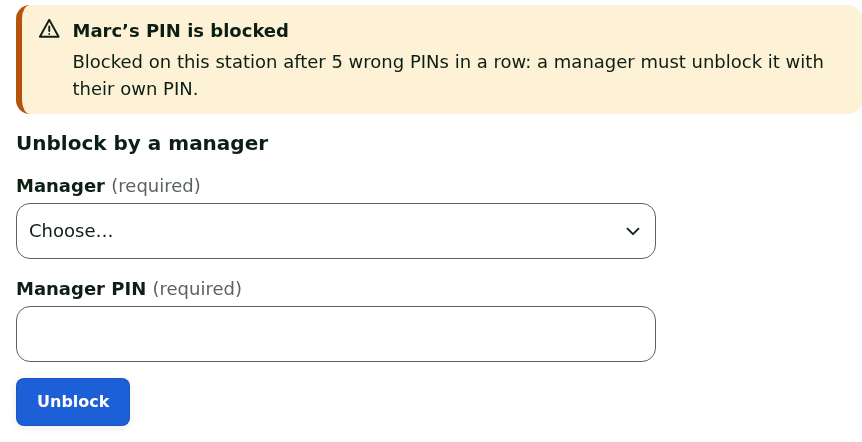
Have the manager choose their name in Manager.
Have the manager type their own PIN in Manager PIN.
Click Unblock.
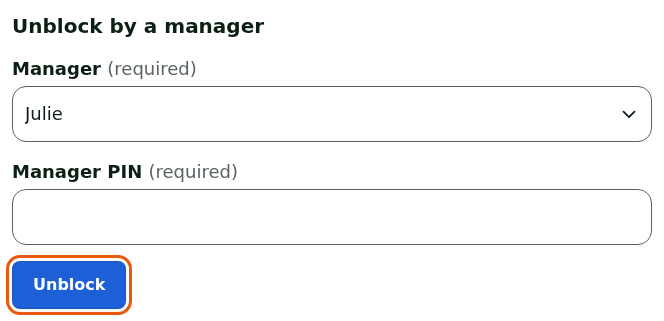
The employee then types their own PIN to open their session. The unblock is recorded with the manager's name.
A manager never unblocks their own PIN: another manager does it. When no manager of the station can do it anymore, an administrator gives an admin code, valid for a few minutes and for this station only.
Station to register again
The station can no longer get the server to recognize it. The Station to register again screen says how many of the station's operations have not been received yet: they stay kept on the station.
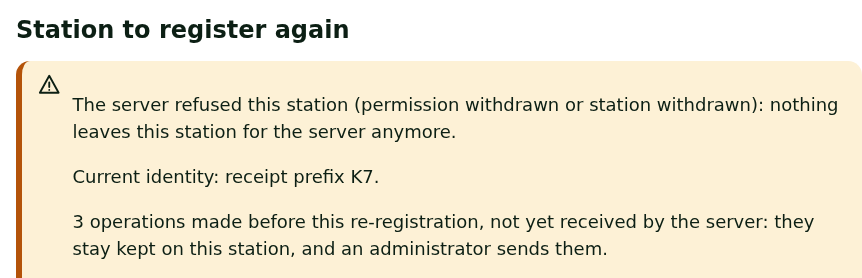
Click Continue without registering again to keep selling while you wait for the administrator.

Call an administrator.
The register keeps selling; the screen comes back at the next startup. Registering again needs a station code that only an administrator issues in the back office.
What not to do
- Do not type PINs at random to "try": at the 5th wrong PIN in a row, the PIN is blocked.
- Do not lend your PIN: every sale, return and drawer opening is tied to the session's employee.
- For a station to register again: do not uninstall the register, do not delete anything and do not type a station code found elsewhere. The waiting operations exist only on this station.
When to call an administrator
- The station shows Station to register again. Give them the name of the station and the store, and the number of kept operations shown on screen.
- All the station's managers have their PIN blocked.
- An employee has no PIN (no PIN, to be set in the back office): a manager or an administrator sets it in the back office.