Handling a register time that is not verified
- For
- Cashier, Manager
- Where
- Installed register
- Permission
- Manage register PINs, Unblock a blocked register (24 h)
- Checked on
The money and the sales are safe: the register keeps selling, and each sale is recorded. What changes is the price of some promotions, and the date of the sales until contact with the server is back.
What you see
The register header shows Time not verified: dated promotions suspended. The register can no longer rely on the computer's time, for example after restarting without reaching the server.

As long as the time is not verified:
- a promotion with an end date does not apply: the item is sold at the regular price, and the sale is flagged;
- a promotion without an end date, already started, stays applied.
The regular price instead of a dated promotion is not a register error: it is the rule as long as the time is not verified. Do not change the price by hand to "bring back" the promotion.
What to do
Restoring contact with the server
Check the store's Internet connection. At the next contact with the server, the time is verified again and the notice disappears by itself; dated promotions apply again.
Having a manager enter the time
If the Internet does not come back, a manager enters the time so that sales are dated correctly:
Open their session, then click Manager menu.
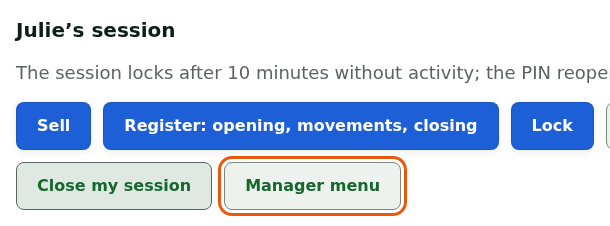
Go to the Station time section.
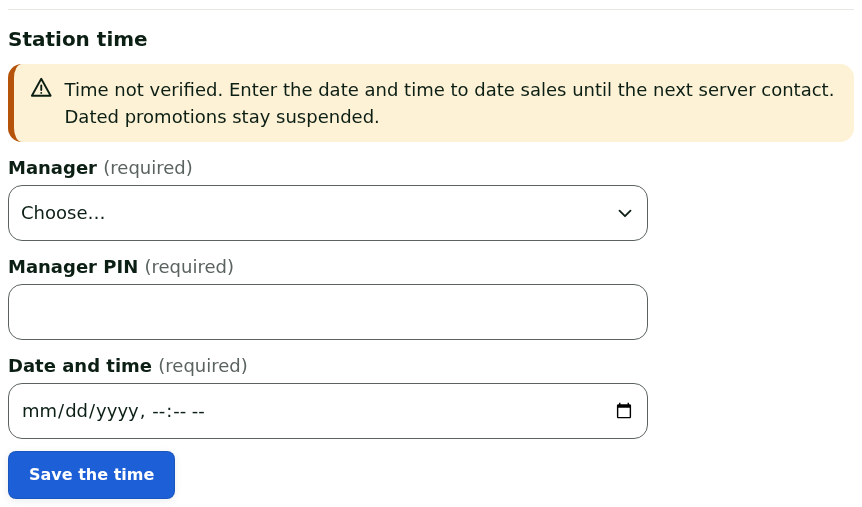
Choose their name in Manager.
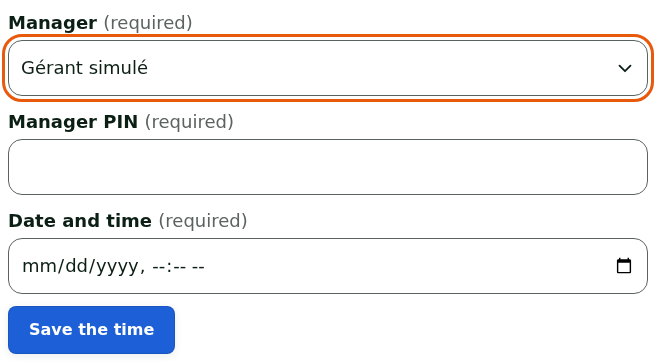
Type their PIN in Manager PIN.
Type the exact date and time, read on a watch or a phone, in Date and time.
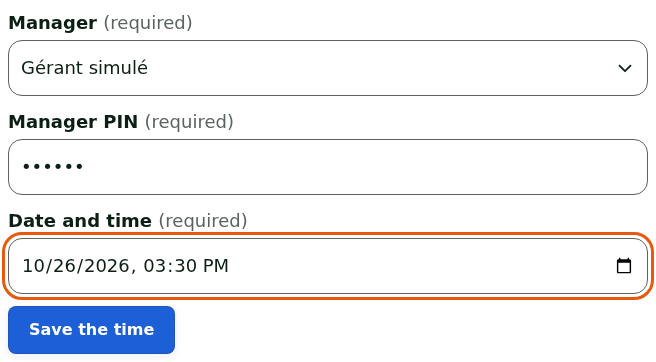
Click Save the time.
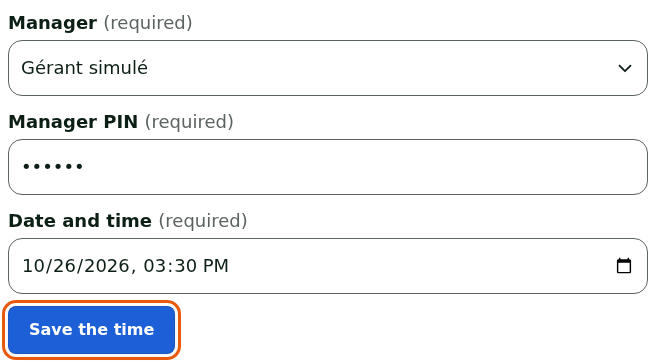
The register shows Time saved: the next sales are dated with this time. The next sales carry this time until the next contact with the server.
The time entered by a manager dates the sales, but never brings back a dated promotion: they stay suspended until contact with the server. Only a manager who has the permission to unblock a station appears in the Manager list.
What not to do
- Do not change the Windows time to make the notice go away: it does not verify the time and brings back no promotion.
- Do not type an approximate time: it dates the day's sales.
- Do not force an item's price to apply a suspended promotion.
When to call an administrator
- The notice stays on screen while the Internet works and the header shows Online.
- No manager of this store can enter the time on this station. appears in the Station time section.