Checking a gift card's balance and history
- For
- Manager, Administrator
- Where
- Back office, Web register
- Permission
- View reports
- Checked on
A gift card's balance is the sum of its movements: its sale, each payment, each reversal. The back office shows all of them, oldest first. You use it to answer "how much is left on this card?" and "where was it used?".
Before you start
- For a cashier with a customer at the counter, the quickest way is the register: Pay > Gift card, type the code, then Read the balance (Selling and redeeming a gift card). No payment is made.
- The back office never knows a card's whole code, only its last four characters. A card sold by a register shows Unknown ending until its code has been read at the register (balance reading or payment).
- The total of the balances in circulation is in the Gift card balances report, under Reports.
Find a card
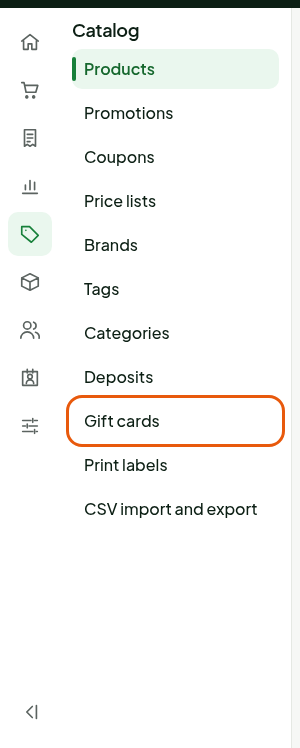
Open Catalog > Gift cards.
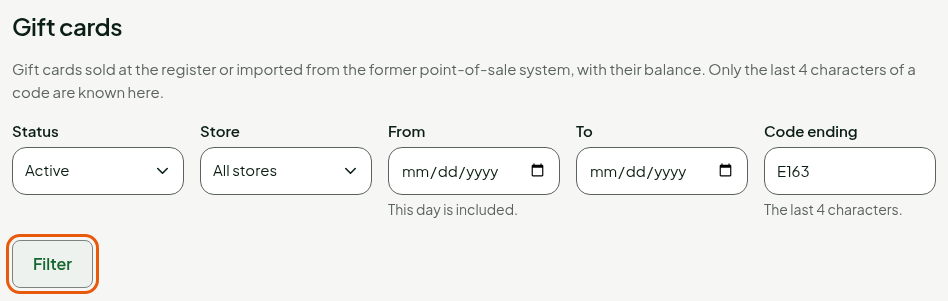
Choose Active in Status, to keep only the cards that have a balance. The other statuses are Used up, Deactivated (sale voided) and Replaced.
Type the last four characters of the code in Code ending. For a period or a store, use From, To and Store.
Click Filter.
The list shows one row per card: Code ending, Status, Balance, Issued, Issuing store, Amount issued, Last movement and Movements.
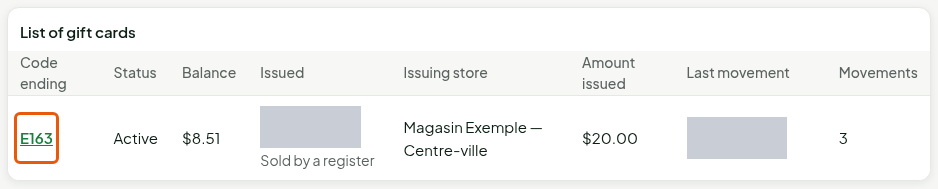
The most recent cards are at the top. A card with no known ending can't be found by Code ending: filter by store and issue day, then recognize it by its amount issued.
Read a card's page
Click the Gift card detail link on the row, here E163.
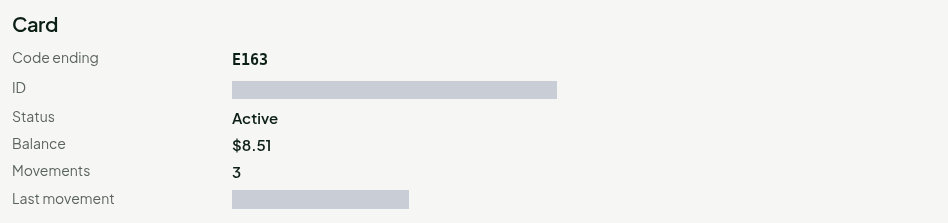
Read the Card section: Status, Balance, number of Movements and date of the Last movement.
Read Movement history. Each row gives the kind of movement, its amount and the Balance after.
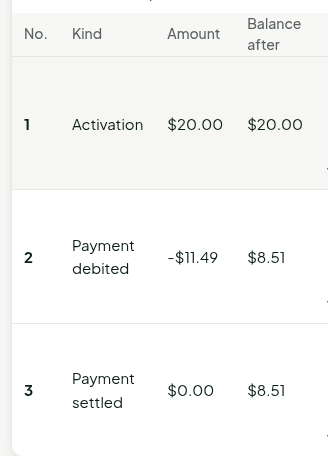
| Kind | What it is |
|---|---|
| Activation | The sale of the card. |
| Payment debited | A sale paid with the card, still in progress. |
| Payment settled | The sale is finished: this payment can't be cancelled any more. |
| Payment reversed | The payment was cancelled before the sale ended: the value came back to the card. |
| Return refund | An item paid with the card was returned: the refund goes back to the same card. |
| Payment prevented | A cancellation arrived before its payment: that payment will be refused. |
| Deactivation (sale voided) | The card's sale was voided before the card was used. |
| Import | A card taken over from a former register system, with its balance. |
| Replaced (balance transferred) and Received from an old card | An old card was replaced by a new card: the whole balance moves from one to the other. |
Read Holds in progress: the value a register holds for a sale that isn't finished. It is empty when payments are settled.
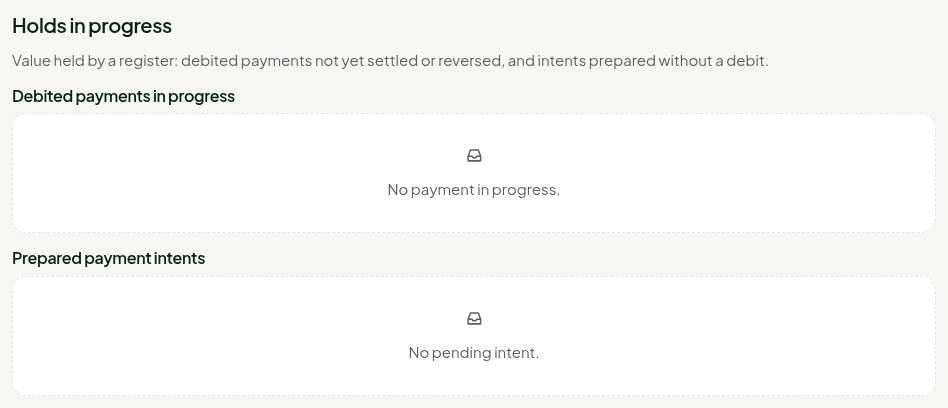
The page is mostly for viewing. A manager can release a stuck hold there, with a reason, or cancel the payment of a lost register. A balance is never adjusted there and a card is never refunded in cash.
Troubleshooting
"No gift card matches these filters."
Widen the filters: choose All statuses, empty Code ending, or click Clear filters. A card sold just now has no known ending.