Offline returns: what is allowed
- For
- Cashier, Manager
- Where
- Installed register, Web register
- Permission
- Sell at the register, Process a return and refund
- Checked on
The register installed on the computer sells without a network, without a server, without Internet. Returns follow a stricter rule: offline, the register only refunds a sale that nobody else can have refunded. This guide says which returns go through, which wait for the network, and what the register shows.
Before you start
- Returns need the Process a return and refund permission, as online (Returning items and refunding).
- This guide is about the installed register, the one that sells offline. The back office's web register does not sell or refund without a server.
The rule
Offline, a return is only allowed for a sale from this station that was never sent to the server. It is refunded in cash, on this station. Every other return goes through the server: it checks and reserves what is still returnable before the refund.
As long as the server does not know the sale, no other station can refund it. Once it knows it, another station may have done so, and a refund that was paid out cannot be recovered.
"Never sent" means that no sending was attempted. As soon as a sending was attempted, even without an answer from the server, the sale is treated as known to the server: its return waits for the network.
What the register shows
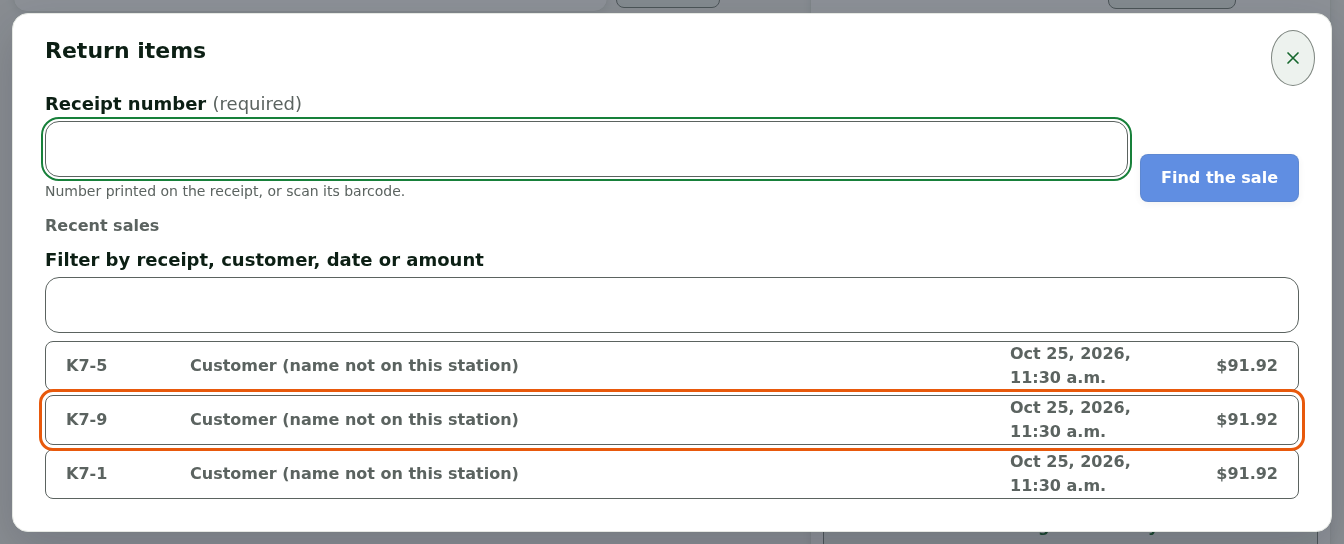
On the installed register, Return opens the Return items window. It lists this station's Recent sales: click a sale, then Refund.
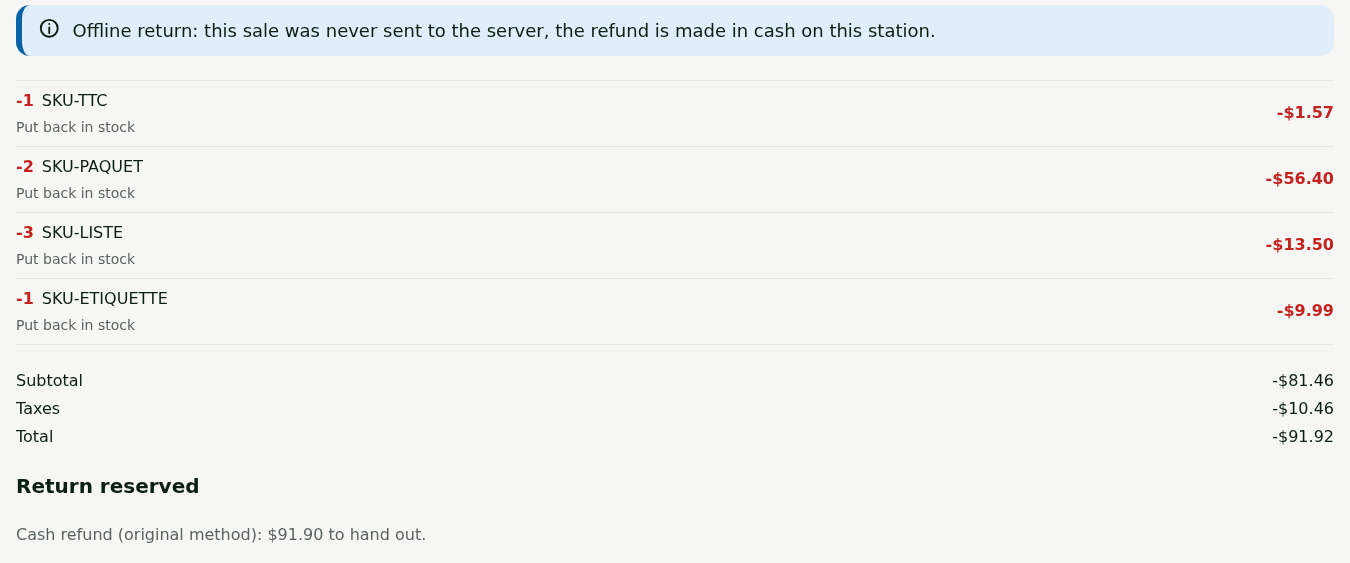
A sale from this station, never sent, paid in cash
The return is allowed. The register says: "No answer from the server. Offline, the rule allows the return of this sale (this station, never sent): it is refunded in cash on this station." The return goes as it does online, with the cash handed to the customer. As soon as the network is back, the register sends the sale, then the return.
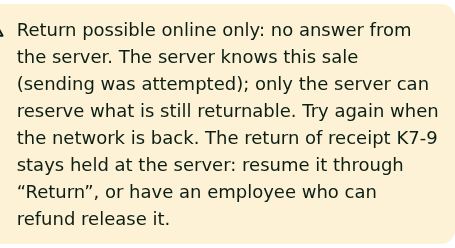
A sale already sent to the server
The return is refused (here, sale K7-9): "Return possible online only: no answer from the server. The server knows this sale (sending was attempted); only the server can reserve what is still returnable. Try again when the network is back." The customer comes back, or you redo the return once the network is back.
A sale paid some other way than in cash
The return is refused: "Server unreachable: this sale was not paid in cash only. A card, a gift card or store credit need the server: try again when the network is back." A gift card or store credit is neither reloaded nor issued offline: they share a value between stations. A sale paid by payment card, on the other hand, cannot yet be refunded at any register, even when the network is back: tell a manager before promising a refund.
A sale made on another station
The return goes through the server: it waits for the network.
On the web register
The web register does nothing without a server. Without a connection, it says so and points to the installed register.
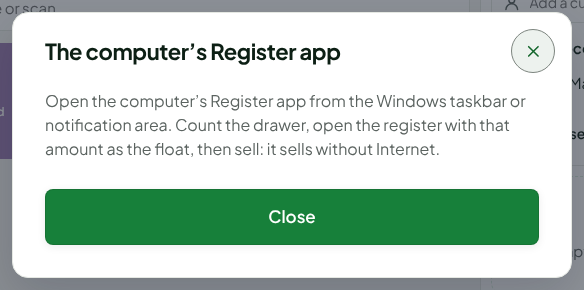
Click Open the computer's Register app when the Online register: no sale without a connection banner appears.

Read the instruction: open the installed register, count the drawer, open the register with that amount as the float, then sell.
Knowing whether the register is offline
Open Sell > Status: the Connection to the server line says Offline when the server does not answer, and the Sales and operations waiting to be sent line counts what waits for the network.

Finding the sales made offline
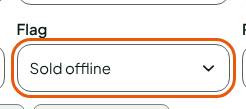
In Sales > All sales, click More filters, then choose Sold offline in Flag and click Search.
Other offline rules
- Voiding a sale from the session still open on this station remains allowed offline. If another station had already refunded that sale, the server refuses the void on receipt, and a manager sees it.
- A station that went more than 24 hours without contact with the server does nothing at all, returns included, until contact returns or a manager unlocks it for the rest of the day.
Troubleshooting
"Server unreachable, and the sale has been sent since"
The server may already hold this return. It stays open in Interrupted returns and is settled when the network is back. Do not refund the customer a second time.
"No certain answer from the server"
Try again: the same request goes out with no second effect. Never refund another way.