Adding a product sold by weight
- For
- Manager
- Where
- Back office
- Permission
- Manage the catalogue, Manage stores and settings
- Checked on
A product sold by weight (cheese, bulk goods, deli meats) is weighed on the scale, which prints a label. The register reads that label: the item goes into the cart with its weight and its amount. This guide sets up a product so that it is recognized when scanned.
Before you start
- Your role must have the Manage the catalogue permission. The label reading rule is set in Settings > Scale barcodes with the Manage stores and settings permission.
- You need the product's scale code: the item number the scale prints in the label. Each product sold by weight has its own.
- The product must be sold at the register (Sell at the register ticked) and must not be a serial-number product.
The sheet's selling price is the price per kilogram (or per pound): there is no second price to enter. Do not confuse the Sold by weight section with Weight and dimensions, which gives the item's physical weight.
See how the register reads the label
The register reads the scale's labels with rules. The one supplied with the register reads 13-digit labels starting with 20, where the price is in the label. It fixes the number of digits of the scale code: 5 digits.
Open Settings > Scale barcodes.
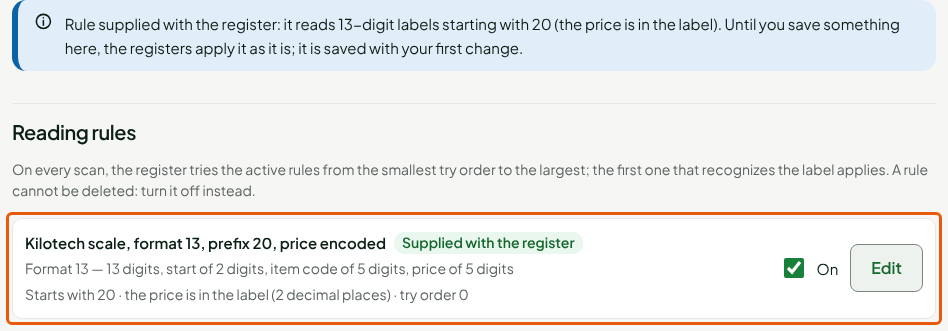
With a label that carries the price, the register sells at the printed price, as is. With a label that carries the weight, the amount is the weight multiplied by the sheet's price. A rule cannot be deleted: to make the register stop reading it, untick On on its line.
Set up the product
Create the product like a simple product (guide Adding a product), or open the sheet of an existing product, then:
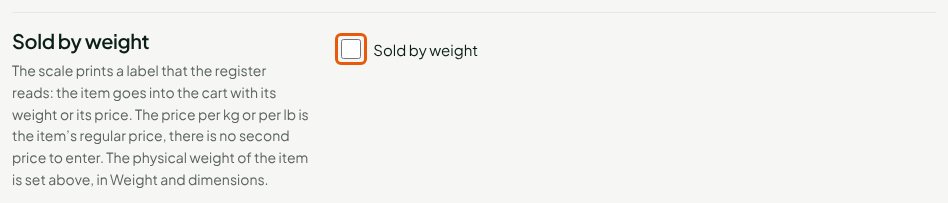
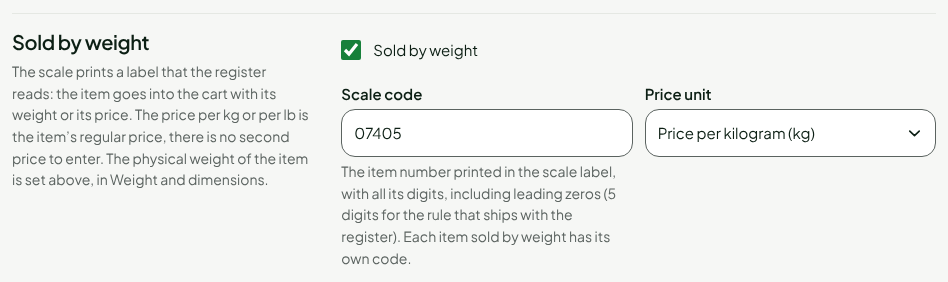
Scroll down to the Sold by weight section and tick Sold by weight.
In Scale code, type the code printed by the scale, with all its digits, leading zeros included:
07405is not7405.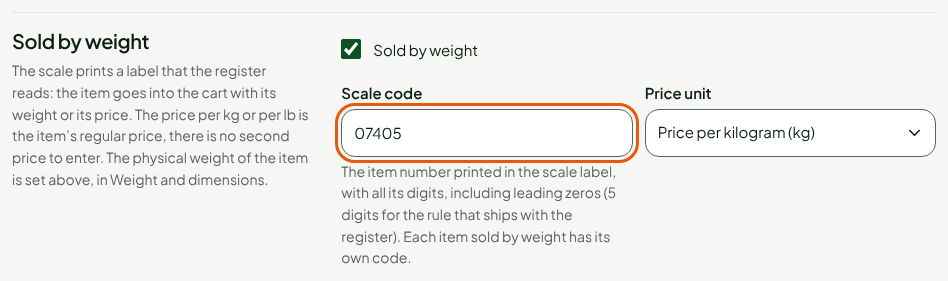
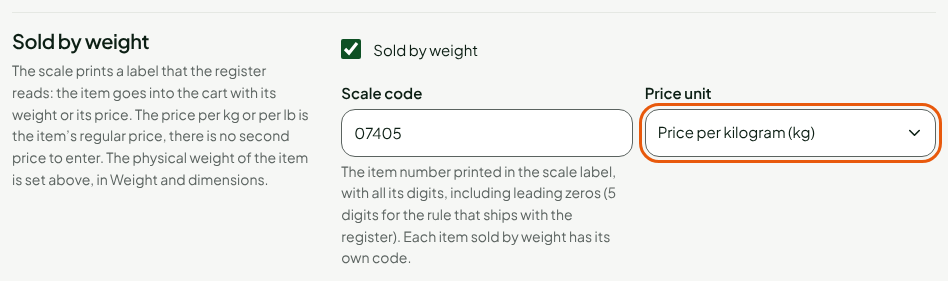
In Price unit, choose Price per kilogram (kg) or Price per pound (lb).
In the Pricing section, in Selling price, type the price per kilogram (or per pound), for example
24.99.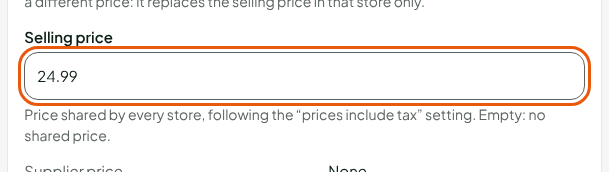
Click Save.

The Sold by weight section keeps the code and the unit. At the register, scanning the scale's label puts the product in the cart, with its weight and its amount.
A scale code identifies only one active product at a time. When you deactivate a product, its scale code is released.
Find the products sold by weight
In Catalog > Products, tick Sold by weight only, then click Search. The list shows only the products that have a scale code.

Troubleshooting
"This scale code is already used by another active item."
Each product has its own code. Choose another one, or deactivate the other product first.
"The register reads a 5-digit code on the label: enter it in full, including leading zeros."
The code does not have the number of digits of the reading rule. Type it again in full, or change the rule in Settings > Scale barcodes.
"An item with a serial number is not sold by weight"
A product cannot be both sold by weight and tracked by serial number. Remove one of the two.
The section is frozen
The section only applies to a product sold at the register: tick Sell at the register in the General section.