Selling offline
- For
- Cashier, Manager
- Where
- Installed register, Web register
- Permission
- Sell at the register
- Checked on
The register installed on the computer always sells: with no network, no server, no Internet. Each sale is kept on the station, then sent to the server as soon as the network is back. This guide says what works without a network, what waits for it, and why.
The rule, and its exceptions
A cash sale never depends on the network. The exceptions are written down, and there are only three:
- actions that spend a value shared between stations (paying with store credit, a gift card or loyalty points): without the server, two stations could spend the same value twice;
- a station that has gone more than 24 hours without contact with the server (see below);
- the back office web register, which does not sell without a server: the installed register is there for that.
What is allowed offline
| Action | Offline |
|---|---|
| Cash sale | Yes |
| Sale of a minimum-age product (the question and its record are handled on the station) | Yes |
| Tax exemption (Applying a tax exemption to a sale) | Yes |
| Earning loyalty points | Yes: the points are added when the sale reaches the server |
| Selling a gift card | Yes, paid in cash |
| Cancelling a sale from the session still open on this station | Yes |
| Return of a sale made on this station and never sent to the server | Yes, refunded in cash (Offline returns: what is allowed) |
| Any other return | No: the return waits for the network |
| Paying with a gift card, store credit or points | No (Gift cards offline: what is allowed, Store credit offline: what is allowed) |
| Giving store credit back after a return | No: the refund waits for the network |
| Creating a layaway, paying a deposit on it, picking it up or cancelling it | No |
| Using a coupon | No: the sale continues at the regular price |
| Selling at the web register | No: open the installed register |
At payment, a refused method shows: Offline: offer another payment (cash). Offer cash then: the sale continues.
Never turn away a customer who pays in cash because the register is offline. Never make them pay again: a paid sale is already recorded on the station, even if the server has not received it yet.
At the web register
The web register does not sell without a server. It says so, and points to the installed register:

The steps to switch from one register to the other are in Handling an offline register.
Recognizing the installed register offline
The register header shows Offline, how long the station has gone without reaching the server, and the number of operations waiting to be sent.

Making a cash sale offline
The sale works as usual: add the items, click Pay, type the amount received, then click Take payment.
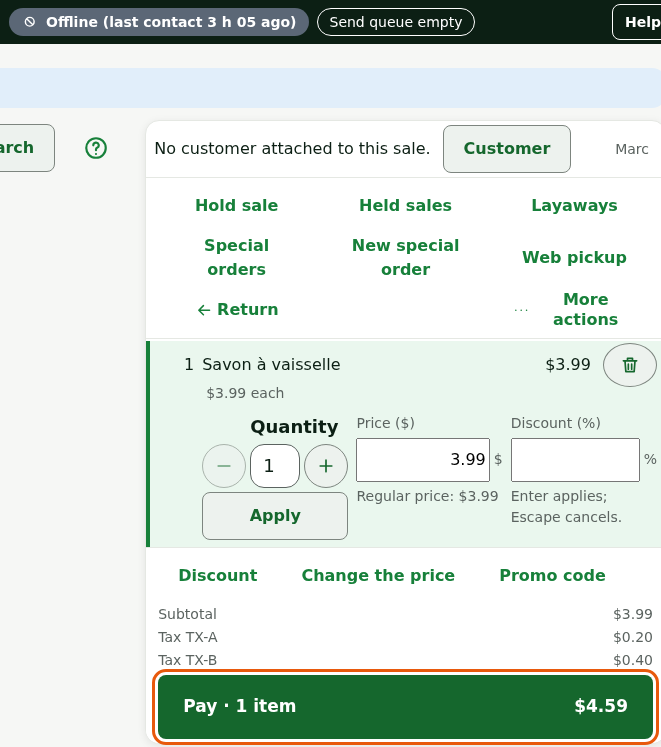
On the Pay screen, type the amount received in Amount received: the change to give back shows, then click Take payment.
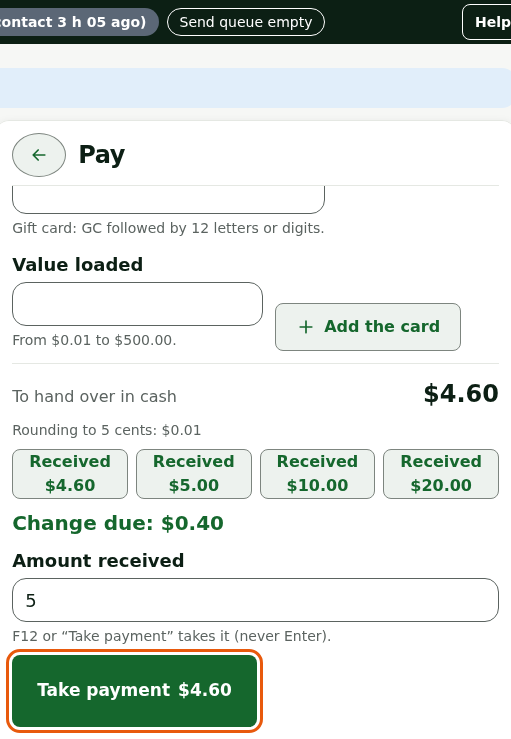
The receipt prints, numbered on this station, and the drawer opens.
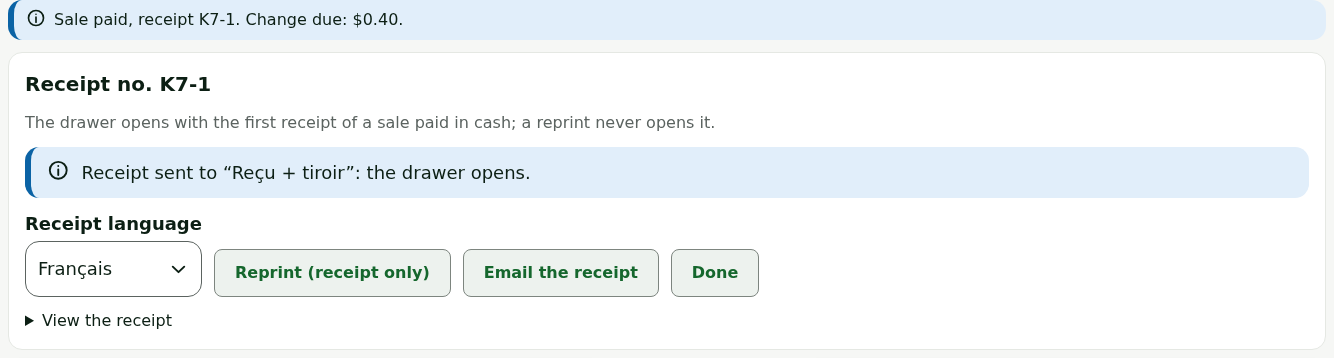
Sales leave by themselves when the network returns, in order, each one only once. Nothing has to be redone.
When the station goes too long without contact
A station that has not reached the server for more than 24 hours locks: it does nothing at all, no sale and no return. It warns you first: the header shows Locks in 1 h 30 without server contact, for example.

Once locked, the station shows only the Station locked screen.
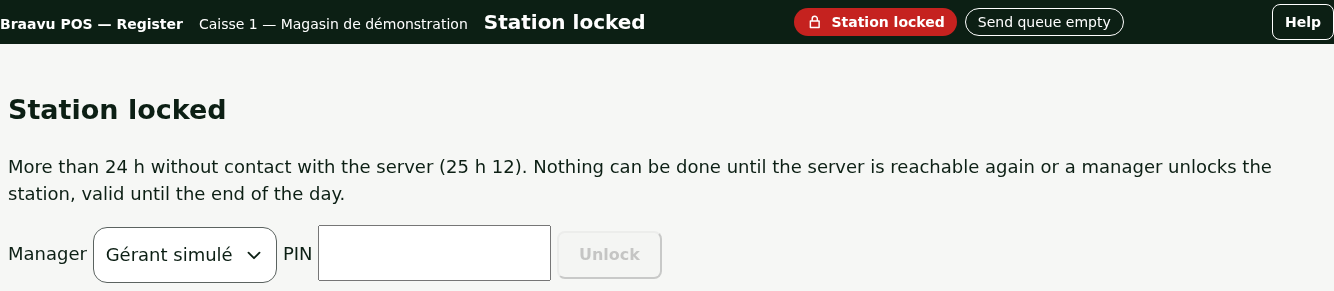
There are two ways out: restore Internet (the station unlocks by itself at the first contact with the server), or have a manager unlock the station for the rest of the day. The steps are in Handling a station locked after 24 hours without contact. Warn a manager as soon as you see the notice: sales already made are never lost, but a locked station no longer sells.
When the Internet comes back
Between two sales, never during a sale, the register announces The internet is back: return to the web register. Click Return to the web register, or Later to finish the current sales first.
