Changing your password
- For
- Cashier, Manager, Administrator
- Where
- Back office
- Permission
- No permission required
- Checked on
Your password opens the back office for you. Change it whenever you decide to, or if you think someone else knows it. The change takes effect right away, and your sign-ins on other devices are closed.
Before you start
- You must be signed in to the back office: the password is changed in your own session.
- Have your current password at hand. If you forgot it, see the section "If you forgot your current password".
- An employee who only uses the register has no password: they sign in with their PIN (Setting or resetting an employee's PIN).
The new password has 12 to 128 characters, differs from your current password and differs from your email. A passphrase is encouraged: a long phrase that is easy to remember beats a short word.
Changing your password
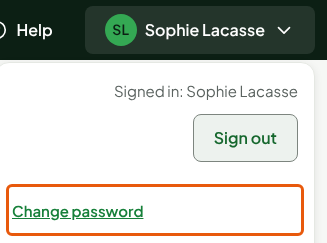
Click your name, at the top right, then Change password.
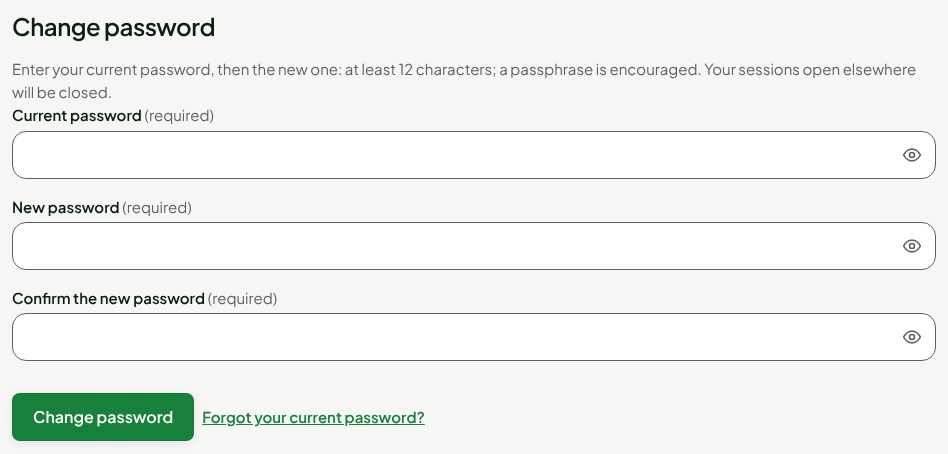
In Current password, type your current password.
In New password, type the new one.
In Confirm the new password, type it again.
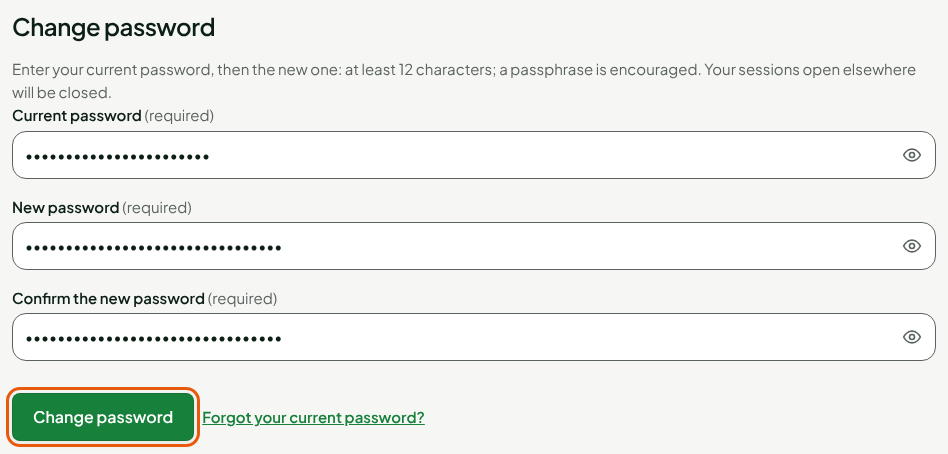
Click Change password.
The screen shows "Your password is changed. Your sessions open elsewhere are closed." Your current session stays open.

If you forgot your current password
Below the button, Forgot your current password? leads to the page that sends a reset link to your email. You can also click Forgot your password? on the sign-in screen. Enter your email: a link to choose a new password is sent to you.

A new employee chooses their first password with the link received in their invitation (Adding an employee).
Troubleshooting
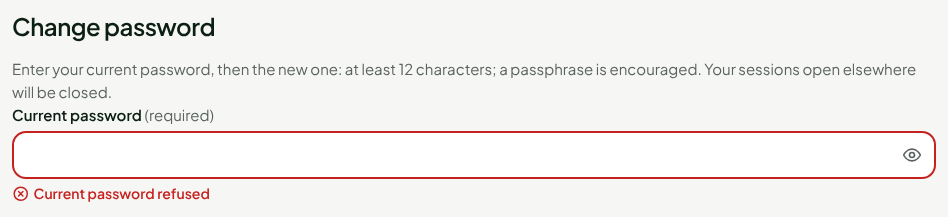
"Current password refused"
The current password you typed is not the right one. Nothing changed. The new-password fields are cleared: type the current password, then the new one again.
"The new password must differ from the current one"
Choose a password you are not already using.
"Password refused: 12 to 128 characters, and different from your email"
Make the password longer, or change it if it looks like your email. If the screen shows "At least 12 characters", the new password is too short.
"The two passwords differ"
The new password and its confirmation are not identical. Type them again.
"Too many attempts. Try again in 15 minutes or request a reset link."
Too many wrong current passwords in a row. Wait 15 minutes, or request a reset link.