Understanding how points expire
- For
- Manager, Administrator
- Where
- Back office
- Permission
- Manage customers, Configure the loyalty program
- Checked on
A customer's points expire if they stop buying. The rule is 2 years, with an email notice. This guide says when the deadline falls, what pushes it back and what the screen shows of it.
Expiry is set on the server, not in the back office, and it is off until someone turns it on. If it is not on for your server, no point expires and no notice goes out, even if the screen recalls the rule. Ask whoever manages the server whether it is on.
The rule
A customer's points expire 2 years after their reference date. That date is the most recent of:
- their last purchase: a sale with their record on the sale;
- their last points credit: an earning, a credit back, a correction that adds points, or the carry-over of points from an old system;
- their last points spending.
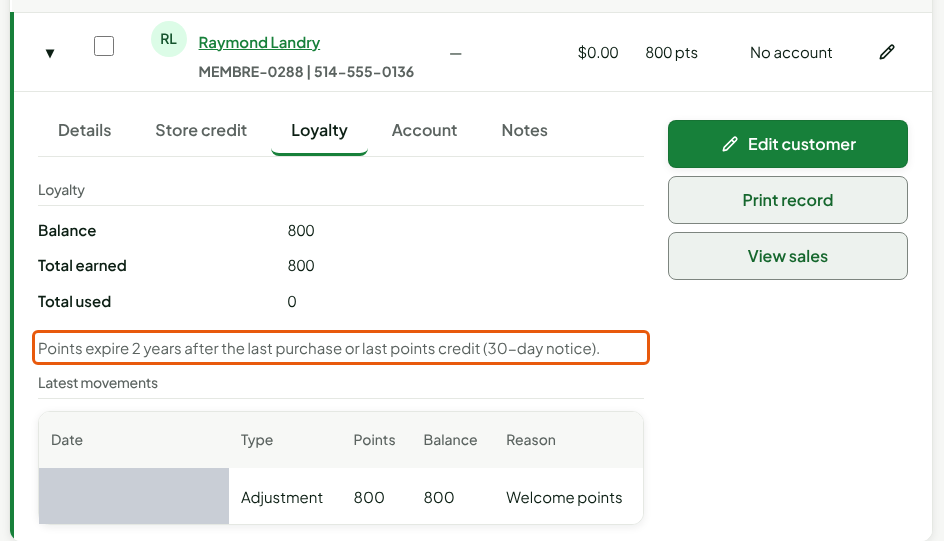
A purchase, a credit or a spending therefore starts the 2 years over. A customer who comes back once a year never loses their points. Points carried over when the software was set up start from the date of that carry-over.
What expires
The whole balance expires at once, at the deadline. There is no partial expiry. An Expired (2 years without a purchase) movement is added to the customer's account, with the points removed. The earlier movements do not change: the history stays readable (see Viewing a customer's loyalty account).
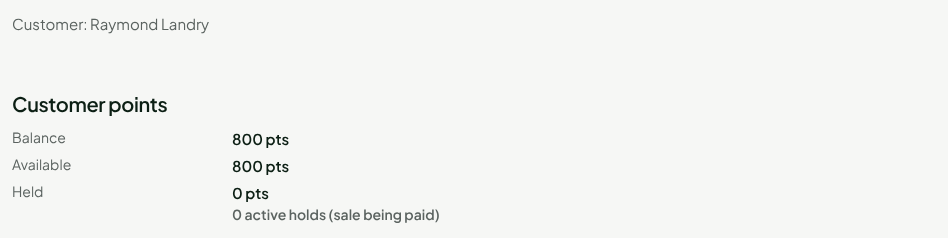
After an expiry, a new purchase opens a new 2-year period.
The notice
30 days before the deadline, the customer receives an email, if the receipt email on their record is known. The message says only the number of points, the expiry date and the name of the business. The notice is never sent for a date already past, and a deadline is never announced less than 30 days ahead.
With no email known on the record, no notice goes out: the points expire at the deadline. A notice that cannot be sent does not extend the deadline.
What keeps the points
- A purchase or a spending: the period starts over.
- A points credit, including a correction that adds points made by a manager (see Adjusting a customer's points balance): the period starts over.
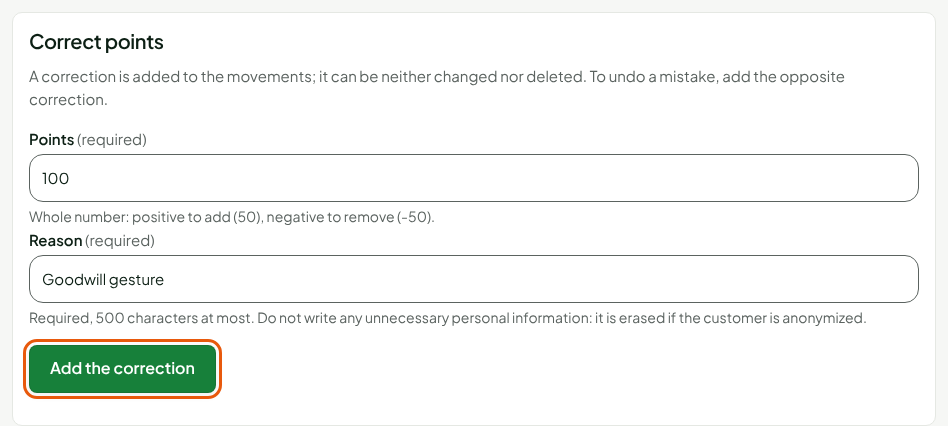
- An active points hold, that is, a sale being paid: its points do not leave while it lasts.
- An anonymized record: its points no longer move, neither up nor down.
A sale received late
A sale made at the installed register offline sometimes reaches the server after the deadline, although it was made before. The points then expired wrongly. The server gives them back: an Expiry credited back (late purchase) movement is added to the account, and the sale opens the new period. The expiry stays written in the history.
Troubleshooting
A customer says they lost their points
Open their loyalty account and look for an Expired (2 years without a purchase) movement. If there is one, read its date: it is 2 years after their last purchase or credit. If there is none, the points did not expire; look for a spending or a takeback instead.
The customer did not receive a notice
Either the record has no receipt email, or the notice is not due yet: it goes out 30 days before the deadline.