Checklist: managing stock and reports
- For
- Manager, Administrator
- Where
- Back office, Phone
- Permission
- Run an inventory count, Adjust stock, Manage suppliers, Manage purchase orders, Receive a delivery, Transfer between stores, View reports, All sales at assigned stores, Manage roles, View logs
- Checked on
Opening stock is counted once, before opening; after that, sales, receipts and adjustments keep it up to date. Reports can be read from the first day. This list sets up both and says what to review every day. Each line points to the guide that does the task.
Before you start
- The catalog is in place (Checklist: setting up your catalog and customers).
- Counts are entered on a phone, in the aisles: plan one phone per person who counts.
- Stock is in the back office's Stock menu; reports are in the Reports menu.
Opening stock

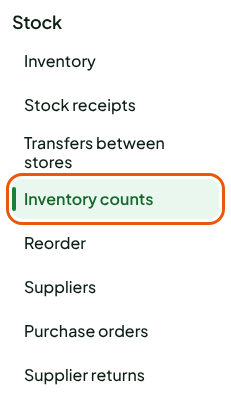
- ☐ Count all the stock of each store before its first sale, in Stock > Inventory counts: Running a full count.
- ☐ Enter the count on a phone, in the aisles: Counting on a phone. If something gets in the way: Troubleshooting a count.
- ☐ Check an item's stock and its movements, in Stock > Inventory: Viewing stock levels and movements.
- ☐ Know how to correct a damaged, lost or miscounted item: Adjusting stock.
- ☐ Know why an item can go below zero: Understanding negative stock.
A closed count can no longer be changed. A mistake is corrected by an adjustment, which is added to the item's movements.
Purchasing and transfers
- ☐ Create your suppliers, in Stock > Suppliers: Managing suppliers.
- ☐ Order and receive: Creating a purchase order, Sending and tracking a purchase order, Receiving a purchase order.
- ☐ Receive without a purchase order, or on a phone: Receiving stock without a purchase order, Receiving on a phone.
- ☐ Send goods back to the supplier: Returning goods to a supplier.
- ☐ If you have several stores, move stock from one to another: Transferring stock between stores, Transferring on a phone.
Replenishment
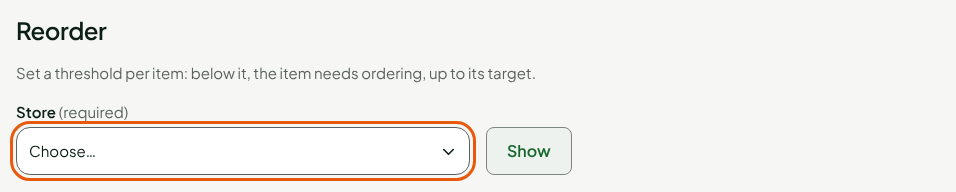
- ☐ Set a threshold and a target for the items you must never run out of, in Stock > Reorder: Setting up replenishment for a product.
- ☐ Order what has fallen below its threshold: Ordering from replenishment.
- ☐ Receive by email the summary of items below their threshold, at most one a day: Receiving stock alerts.
Reports
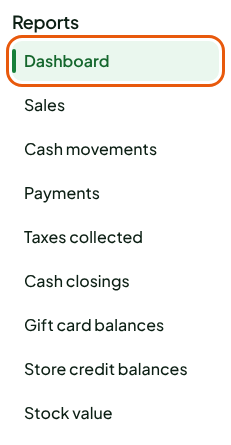
- ☐ Tour the reports and what they have in common: Reports overview, Choosing the period and the stores of a report.
- ☐ Give the View reports permission to the roles that must read them, and All sales at assigned stores to those who read the whole team's sales: Creating roles and permissions.
What to review every day, then every week:
- ☐ The same day: Dashboard, then Cash closings. A variance is explained in Understanding the variances of a closing.
- ☐ Every day too, the Settings > Register uploads screen (View logs permission): when it says "All good", nothing is missing. Following register uploads.
- ☐ For the bookkeeping: Sales, Payments, Taxes collected, Cash movements, and Exporting a report to CSV.
- ☐ Current balances: Gift card balances, Store credit balances, Stock value.
A report only reads: it creates, changes and deletes no sale.