Selling and redeeming a gift card
- For
- Cashier
- Where
- Web register, Installed register
- Permission
- Sell at the register
- Checked on
A gift card is a value the customer buys once, then spends in one or more sales, in any store. This guide shows how to sell one and how to accept it as payment, at the web register.
Before you start
- You have an open register session and the register is online. Offline, the register accepts no gift card as payment: see Gift cards offline: what is allowed.
- For a physical card, the card code (14 characters:
GCfollowed by 12 letters or digits) is scanned or typed.
A gift card's balance is never refunded in cash, the card can't be reloaded (except by the refund of a return, to the same card) and never expires. Only a card sold by mistake and never used is voided with its sale: the register then says how much cash to give back (Voiding a gift card sale). A lost card isn't replaced, even with the receipt: the code is the only proof.
Sell a gift card
A card you sell is a line of the sale, like an item. It is worth from $0.01 to $500.00.
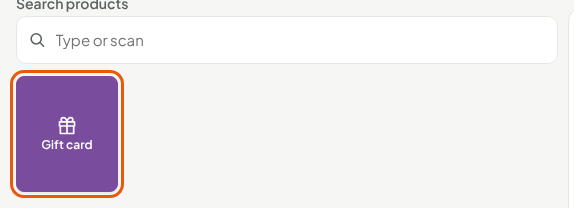
Click the Gift card key, on the sales screen.
Choose Physical card, or Virtual card if your role has the Manage customers right: without it, the option is greyed out.
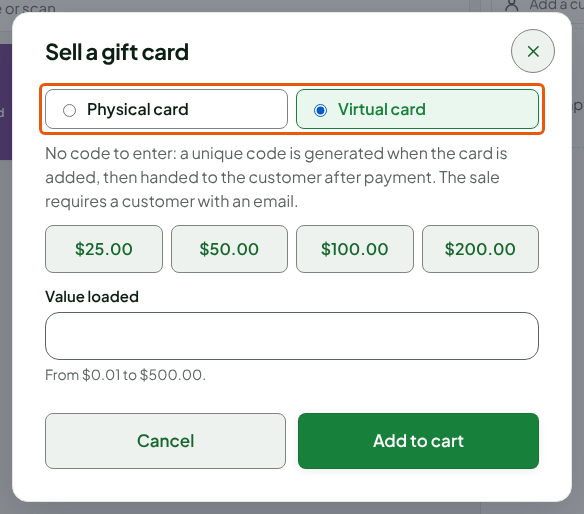
Scan the card or type its code in Code of the card sold, for a physical card. A virtual card has nothing to enter: a unique code is generated, and the sale needs a customer with an email address.
Click one of the quick amounts ($25.00, $50.00, $100.00, $200.00) or type an amount in Value loaded.
Click Add to cart.
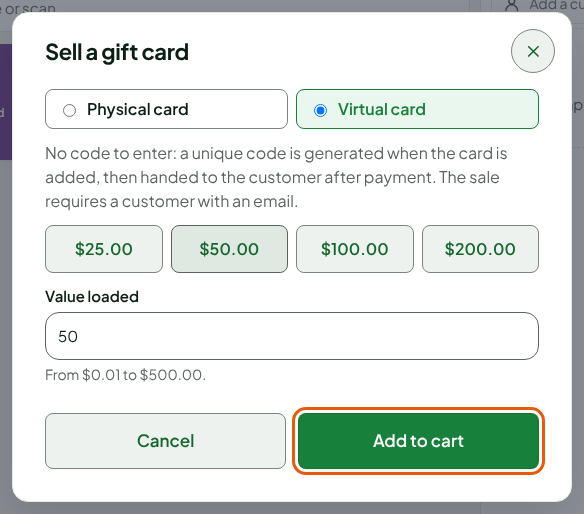
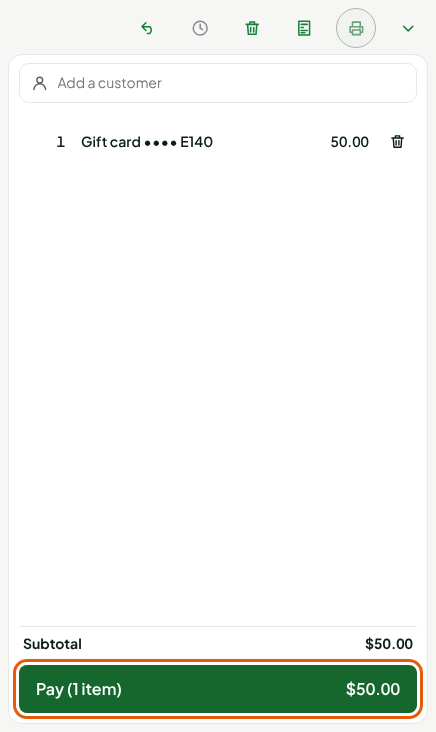
The card goes into the cart under the name Gift card followed by the last four characters of its code. You can add items to the same sale.
Click Pay.
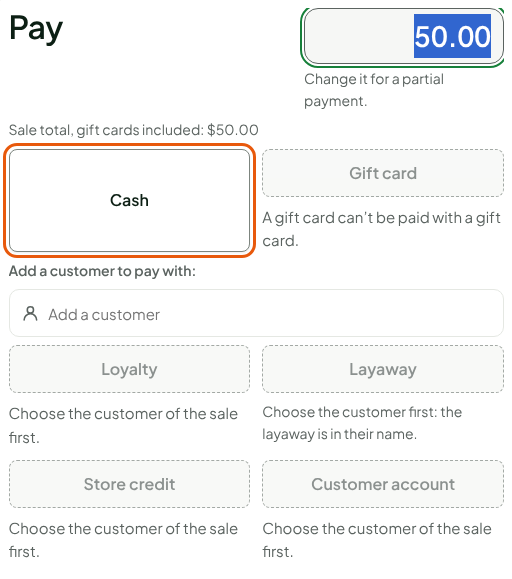
Click Cash and take the payment. A gift card is bought with cash or a payment card, never with another gift card or store credit: on this screen, Gift card is greyed out.
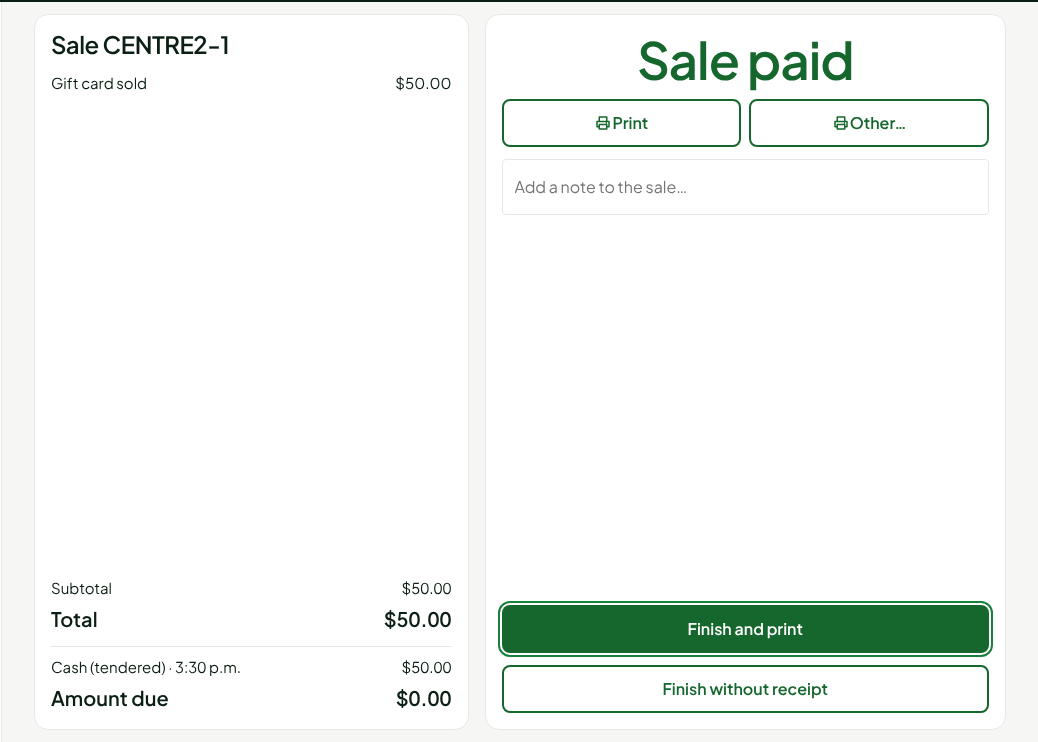
When the sale is paid, the screen shows Gift card sold. The card can be used as soon as the server receives the sale, a few seconds when online.
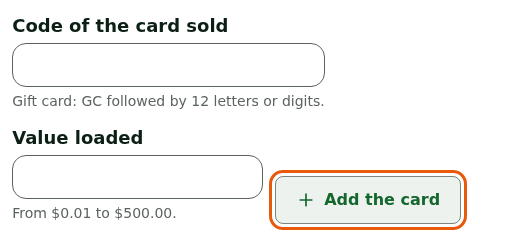
At the installed register, a card is sold on the payment screen. Click Pay (or Sell a gift card only, if the cart is empty), type the code in Code of the card sold and the amount in Value loaded, click Add the card, then take the payment in cash.
Pay with a gift card
Add the customer's items, then click Pay.
Click Gift card.
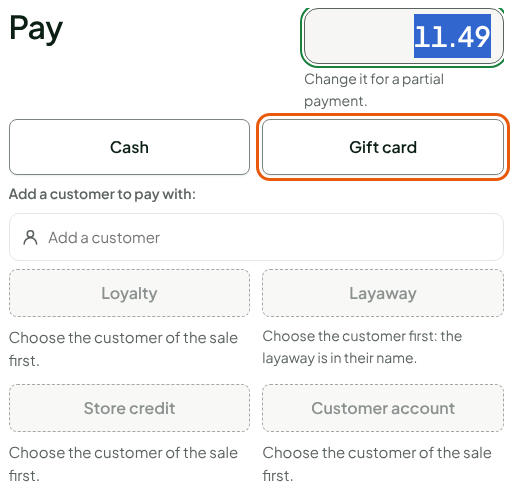
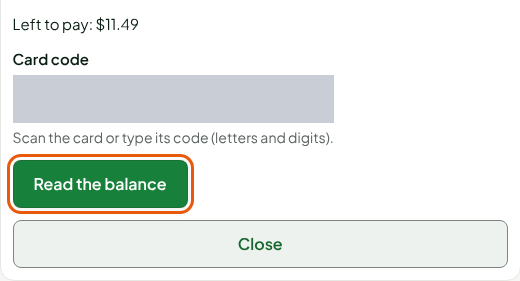
Scan the card or type its code in Card code, then click Read the balance.
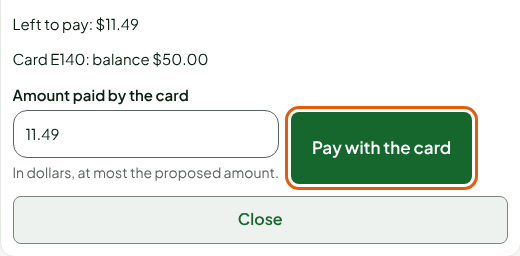
Read the balance shown. The register offers the amount to pay: what is left to pay, or the whole balance if it isn't enough. Lower it if the customer asks, then click Pay with the card.
Choose another payment for the rest, if there is any. Otherwise, click Finish the sale.
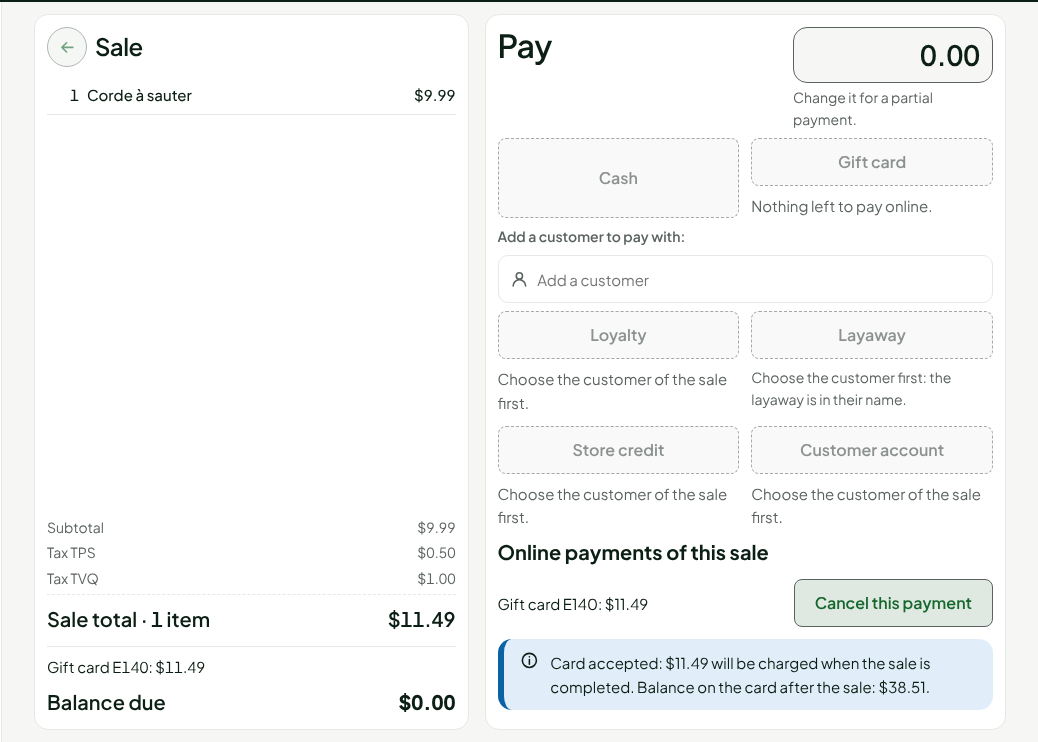
The card is charged at the server, to the cent (no rounding to 5 cents), and the screen tells the balance left on the card. A card never pays more than what is left to pay: it gives no change.
Until you click Finish the sale, Cancel this payment gives the amount back to the card. After that, it can't be cancelled. A sale paid by gift card isn't voided: it is corrected with a return, refunded to the same card.
Troubleshooting
"Unknown or not yet activated card: offer another payment."
The code was misread, or the card has just been sold and the server hasn't received the sale yet. Read the code again, wait a few seconds, then try again. Otherwise, offer another payment.
"This card has no balance left: offer another payment."
The balance is zero. The card can't be reloaded, except by the refund of a return.