Understanding product codes and barcodes
- For
- Manager
- Where
- Back office
- Permission
- Manage the catalogue
- Checked on
A product carries several kinds of codes, and each one does something different: the item code for your catalogue, the barcode for scanning, the scale code for the labels the scale prints. This guide says what each code is for, what it must respect and what happens when two products want the same one.
A product's codes
| Code | What it is for | Where to enter it |
|---|---|---|
| Item code | Naming the product in your catalogue. Unique among your active products. | Inventory section |
| Barcode | Finding the product when scanned, at the register and in lists. A product can have several. | Inventory section, under Codes |
| Internal code | Standing in for a barcode that is already taken, in the meantime. Assigned by the software, never typed. | Not entered |
| Scale code | Recognizing the label the scale prints for a product sold by weight. | Sold by weight section |
| Supplier code | Recognizing the product in a supplier's documents. | Suppliers section |
| Packaging barcode | Selling a case or a lot with a single scan. Optional. | Packaging section |
The item code
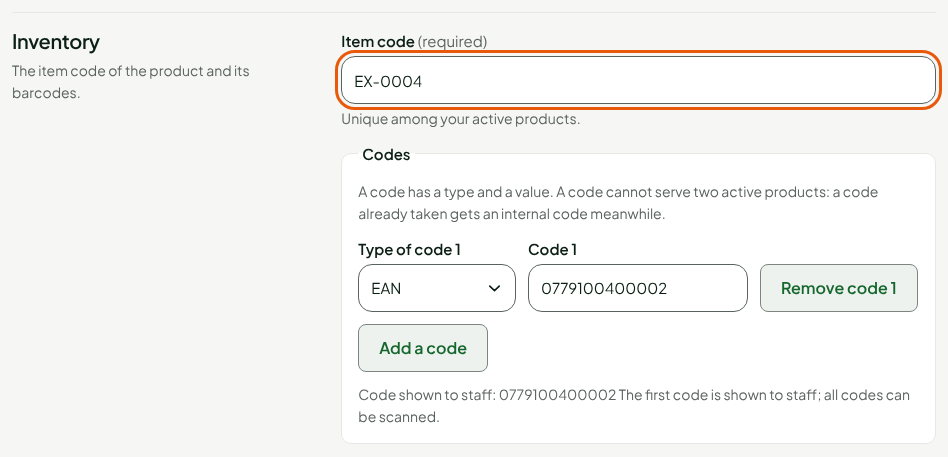
The item code is the product's filing number: EX-0004, for example. It is at most 64 characters, with no space at the start or the end. Left empty when a product is created, it receives the next number if automatic numbering is on in Settings > General, under Item codes and barcodes.
Barcodes
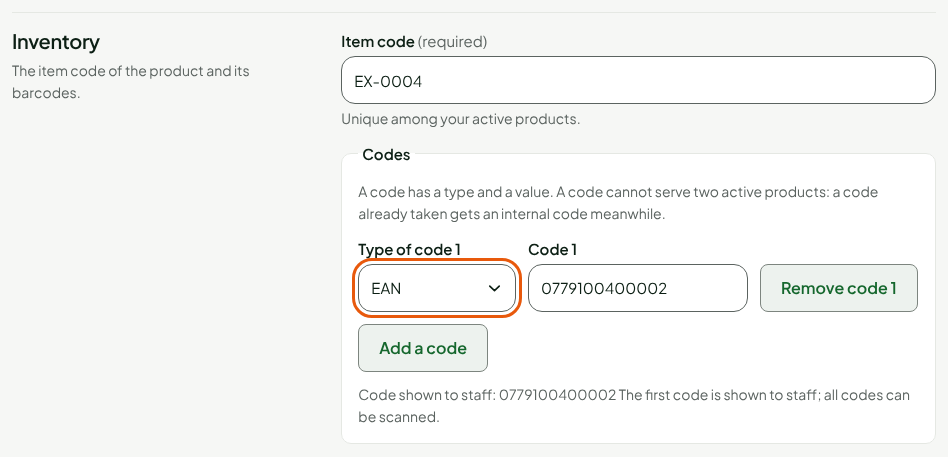
Each barcode has a type and a value. The software checks the code's form according to its type.
| Type | What the software checks |
|---|---|
| EAN | 8 or 13 digits, correct check digit |
| UPC | 12 digits, correct check digit; an 8-digit UPC-E starting with 0 or 1 is accepted without checking its check digit |
| JAN | 13 digits starting with 45 or 49, correct check digit |
| ISBN | A 13-digit ISBN starting with 978 or 979, or a 10-digit ISBN |
| ITF-14 | 14 digits, correct check digit |
| In-house code | Nothing: a code you create yourself, in printable characters |
A product has up to 20 barcodes, each one only once. All of them scan. The first one in the list is the one the sheet shows to staff (Code shown to staff). To add another, see Giving a product several barcodes.
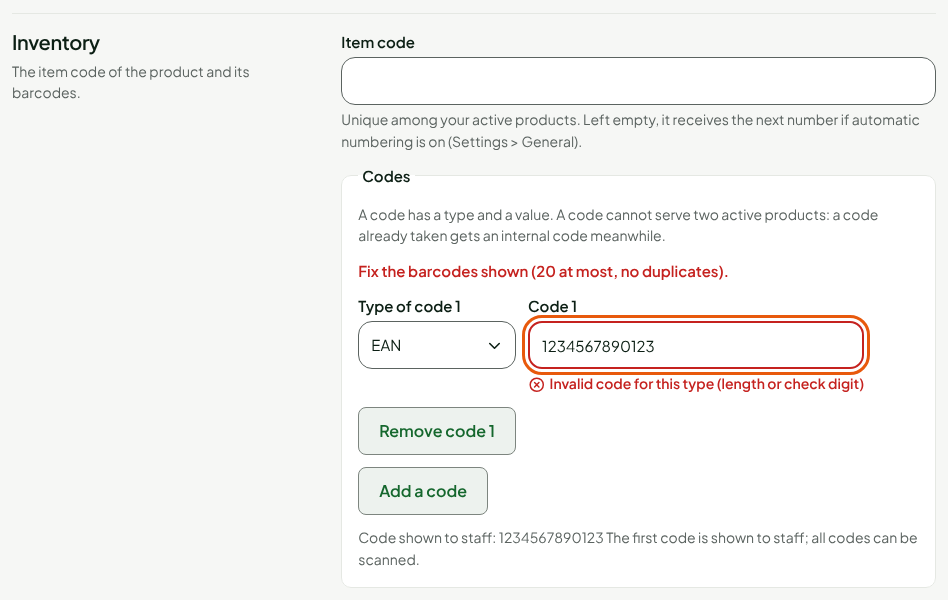
A code that is badly written for its type is refused when you save: the message Invalid code for this type (length or check digit) appears under the code.
Find a product by a code
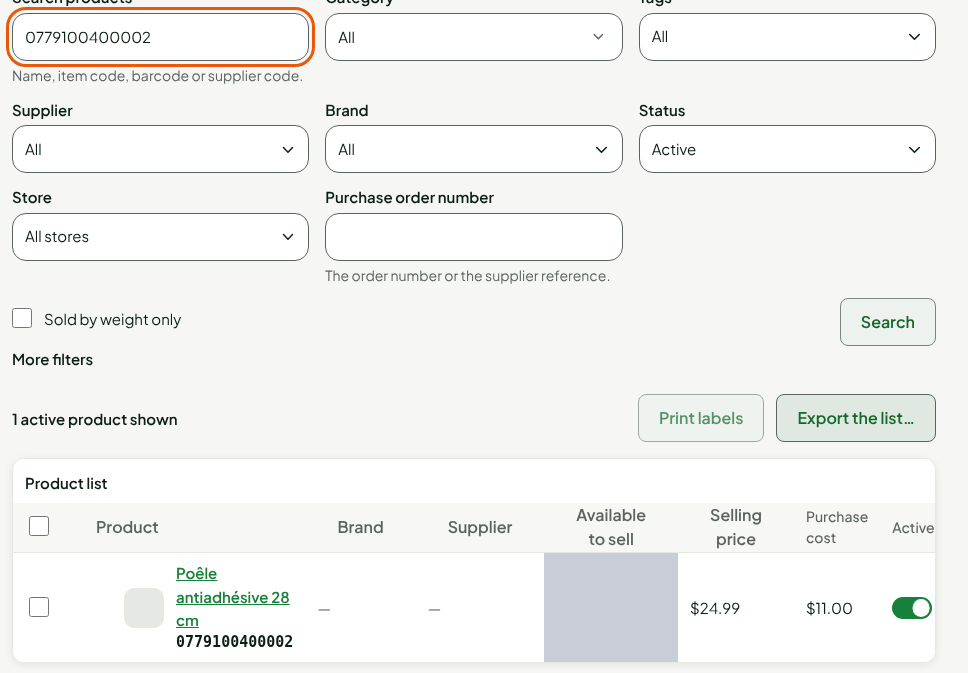
In Catalog > Products, Search products accepts the name, the item code, the barcode or the supplier code. Typing the barcode is enough: the list shows the product that carries it, with its code under its name.
When a code is already taken
A barcode identifies only one active product at a time. If you give one to a new product while another active product carries it, saving is not refused: the new product receives an internal code, which the sheet announces in an Internal code assigned banner. The requested code comes back to it as soon as the other product releases it.
As long as the other product keeps the code, scanning the new product's packaging finds the other product. Stick a label with its internal code on the new product so that the register recognizes it.
When a product is deactivated, its item code and its barcodes are released at once and can serve another product.
Packaging codes and scale codes
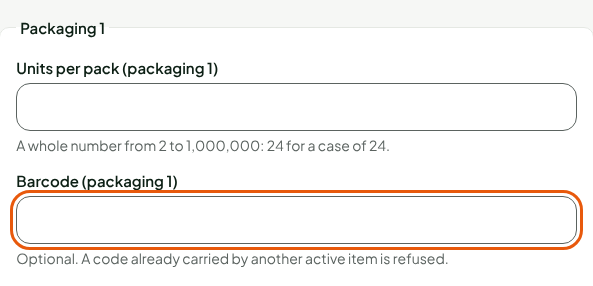
A packaging's Barcode is optional. Unlike a product's, a code already carried by another active product is refused.
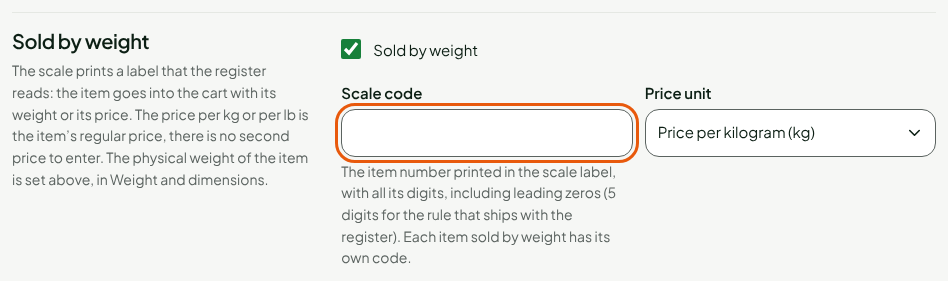
The Scale code of a product sold by weight must have all its digits, leading zeros included, and identifies only one active product. See Adding a product sold by weight.
Troubleshooting
"This item code is already carried by another active product."
Choose another item code, or deactivate the other product first.
"A barcode starts with the prefix reserved for internal codes"
The codes the software assigns itself have a reserved beginning. Choose another barcode.
"Fix the barcodes shown (20 at most, no duplicates)."
A code is invalid for its type, or typed twice. The message repeats under each code at fault.