Opening the cash drawer without a sale
- For
- Manager
- Where
- Installed register
- Permission
- Manage register PINs, Open the drawer without a sale
- Checked on
Sometimes the drawer has to be opened without a sale: to make change, to check an amount, or to open the drawer again when the printer could not. On the installed register, it is a manager's action: they type their PIN, choose a reason, and each opening is noted in the station log, with their name.
Before you start
- The action is done on the installed register, from the Manager menu: the web register does not open the drawer without a sale.
- The drawer must be connected to the receipt printer (Connecting the cash drawer).
- A register must be open on the station (Opening a register): otherwise the screen says "Register closed: open a cash session before opening the drawer".
- The Manager menu opens with the permission Manage register PINs, the managers' one. The person who authorizes the opening must have a PIN and the permission Open the drawer without a sale: "At the register, with their manager PIN". If no one has it on this station, the screen says so.
Open the drawer
To open the drawer without a sale:
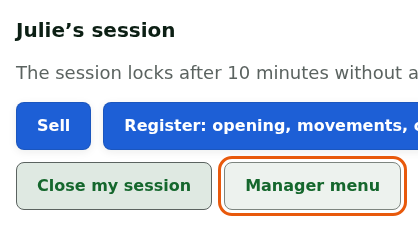
Open a manager's session, then tap Manager menu.
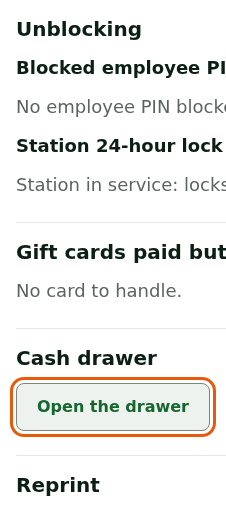
In the Cash drawer section, tap Open the drawer. The menu is long: the section sits between Gift cards paid but not activated and Reprint.
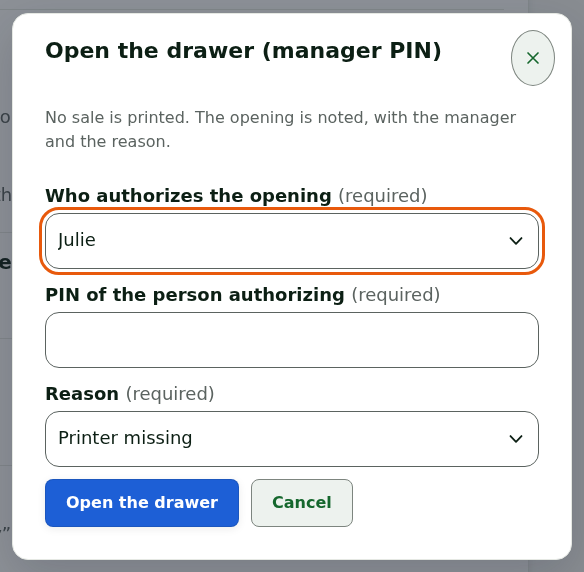
In Who authorizes the opening, choose the manager who authorizes.
Type their PIN in PIN of the person authorizing. It is not shown.
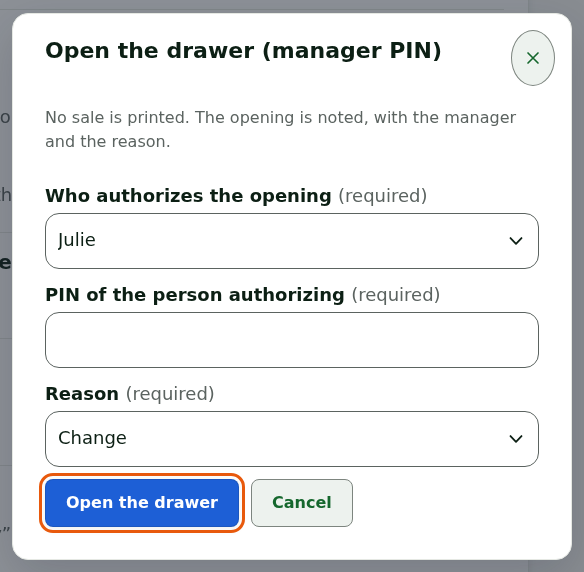
Choose the Reason: Printer missing, Change or Other. With Other, a Details field appears: the reason is 1 to 200 characters.
Tap Open the drawer.
The drawer opens, and the screen confirms: Drawer opened: the opening is noted. No sale is printed.

Each opening is noted in the station log, with the manager who authorized it and the reason. An opening is not erased.
What the screen shows when it does not work
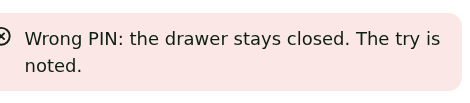
"Wrong PIN: the drawer stays closed"
The PIN is wrong: the drawer stays closed and the try is noted. Have the manager type the PIN again. After several failed tries, their PIN is blocked: another manager unblocks it (Handling a locked session or a station to register again).
"The drawer did not open. The request stays noted."
The printer is not found, missing, offline, out of paper or refused by Windows: the drawer opens through the printer. Fix the printer (Troubleshooting receipt printers), then open again.
"Uncertain outcome: the drawer may be open"
Check the drawer by hand. Nothing is retried on its own. See Handling "Drawer may have opened".
"Menu reserved for managers"
The session is not a manager's. A manager opens their session (Signing in to the register with your PIN and switching employees).
Do not look for this action in "Register"
The Register: opening, movements, closing > Cash movements screen is not for opening the drawer: it shows a notice saying where to do it (Manager menu, Cash drawer section, Open the drawer button, with a manager's PIN) and that this screen does not open the drawer. The action is done from the Manager menu, as above.
